Digital Video Recorder 440/480 Series Operating instructions | en 29
Bosch Security Systems Installation and Operation manual AM18-Q0605 | v2.0 | 2012.04
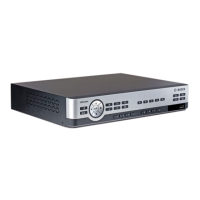
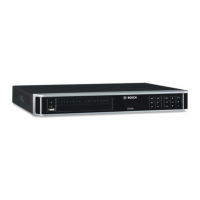
5.1 Front panel controls
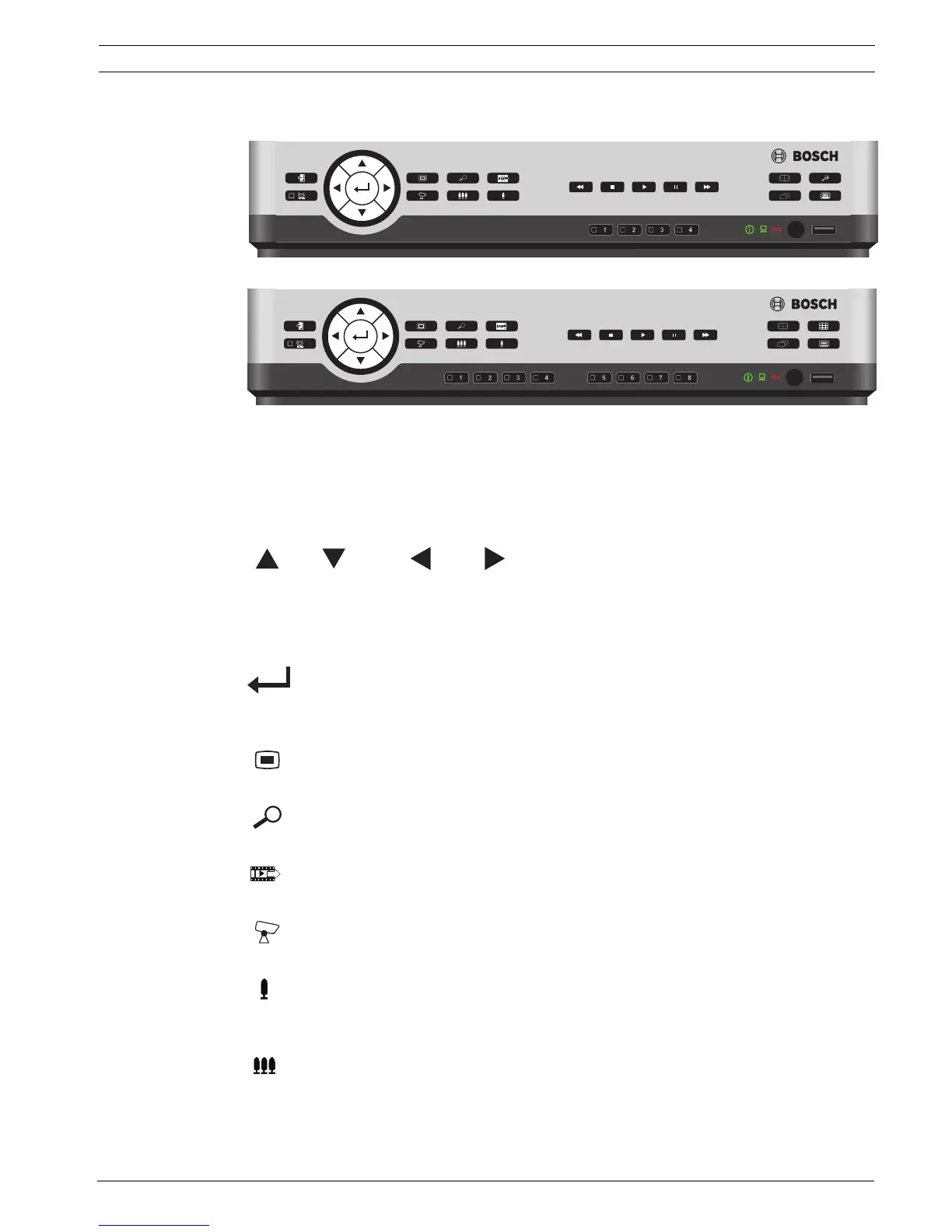
Figure 5.1 Front panel controls - 4-channel model
Figure 5.2 Front panel controls - 8-channel model
5.1.1 Keys
The keys on the front panel control all functions. Symbols on the keys show the functions.
Inactive keys emit an audible beep when pressed.
Arrow keys:
Up, Down, Left, Right
– move around through menu items or values when in menu mode
– in PTZ mode, the arrow keys can be used to control the pan or tilt functions of the
selected camera
– moves the visible area of the selected image in digital zoom mode
Enter key
– selects a submenu or menu item, or confirms selections made in menus
– displays the cameo submenu in full screen or quad modes
Menu key
– opens the system menu
Search key
– press to open the date/time search menu to look for recorded images
Export key
– press to open the export menu
PTZ key
– enables or disables the PTZ mode
Zoom in key
–PTZ zoom in key
– Digital zoom in key on active full-screen display
Zoom out key
– PTZ zoom out key
– Digital zoom out key
400 series
400 series



 To Next Page