40 en | Connection Integrus
IOM-INT | V1.1 | 2010.12 Installation and Operation manual Bosch Security Systems B.V.
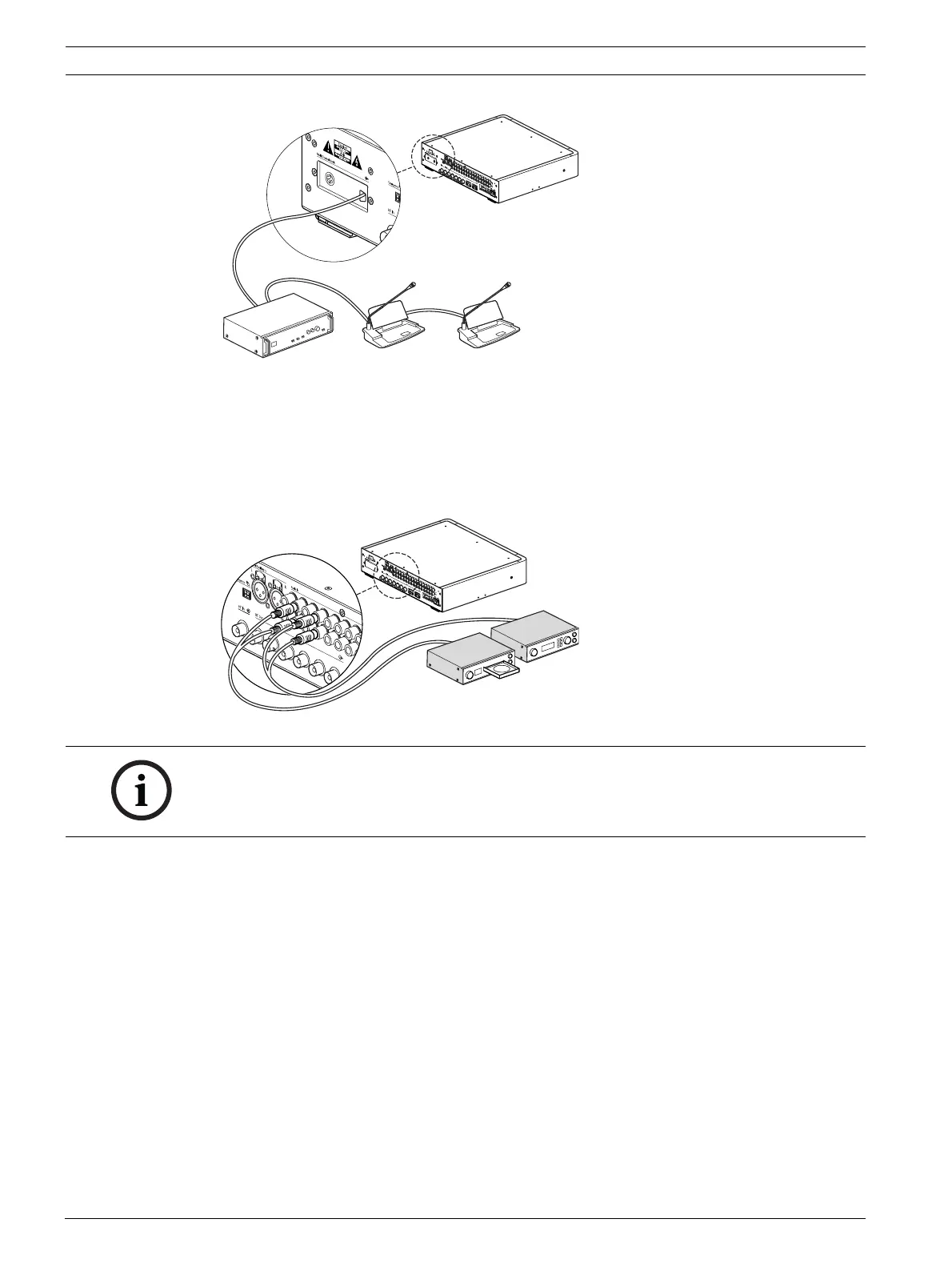
Figure 6.2 Connecting the DCN systems to the Modular IR transmitter
6.1.3 Connecting other external audio sources
The transmitter has up to 32 audio inputs (depending on the transmitter type) to interface
with external asymmetrical audio sources, such as congress systems from other
manufacturers or for music distribution. The audio signals (stereo or mono) are connected to
the audio input cinch connectors.
Figure 6.3 Connecting external audio sources to the Modular IR transmitter
6.1.4 Connecting an emergency signal
To use the emergency signal function, a switch (normally-open) must be connected to the
emergency switch connector. The reaction of the transmitter on a closed switch depends on
the configuration of the auxiliary inputs (see also section 7.2.9 ):
– If the auxiliary input is 'Mono + Emergency', the audio signal on the Aux-Right input is
distributed to all output channels, overriding all other audio inputs.
– If the auxiliary input is 'Stereo' or 'Stereo to Mono', the audio signals on the Aux-Left and
Aux-Right inputs are distributed to all output channels, overriding all other audio inputs.
NOTICE!
When the cinch audio inputs are used in combination with inputs via one of the interface
modules, the signals on corresponding channels are mixed. This situation should normally be
avoided by using higher-numbered cinch audio inputs.















 To Next Page