PI - 32.15aProduct Documentation of the LSN Radio Fire Detection System
Seite 17 von 32
601-F.01U.002.708
A3.en / 28.12.2004
ST-FIR/ PRM1 / deh
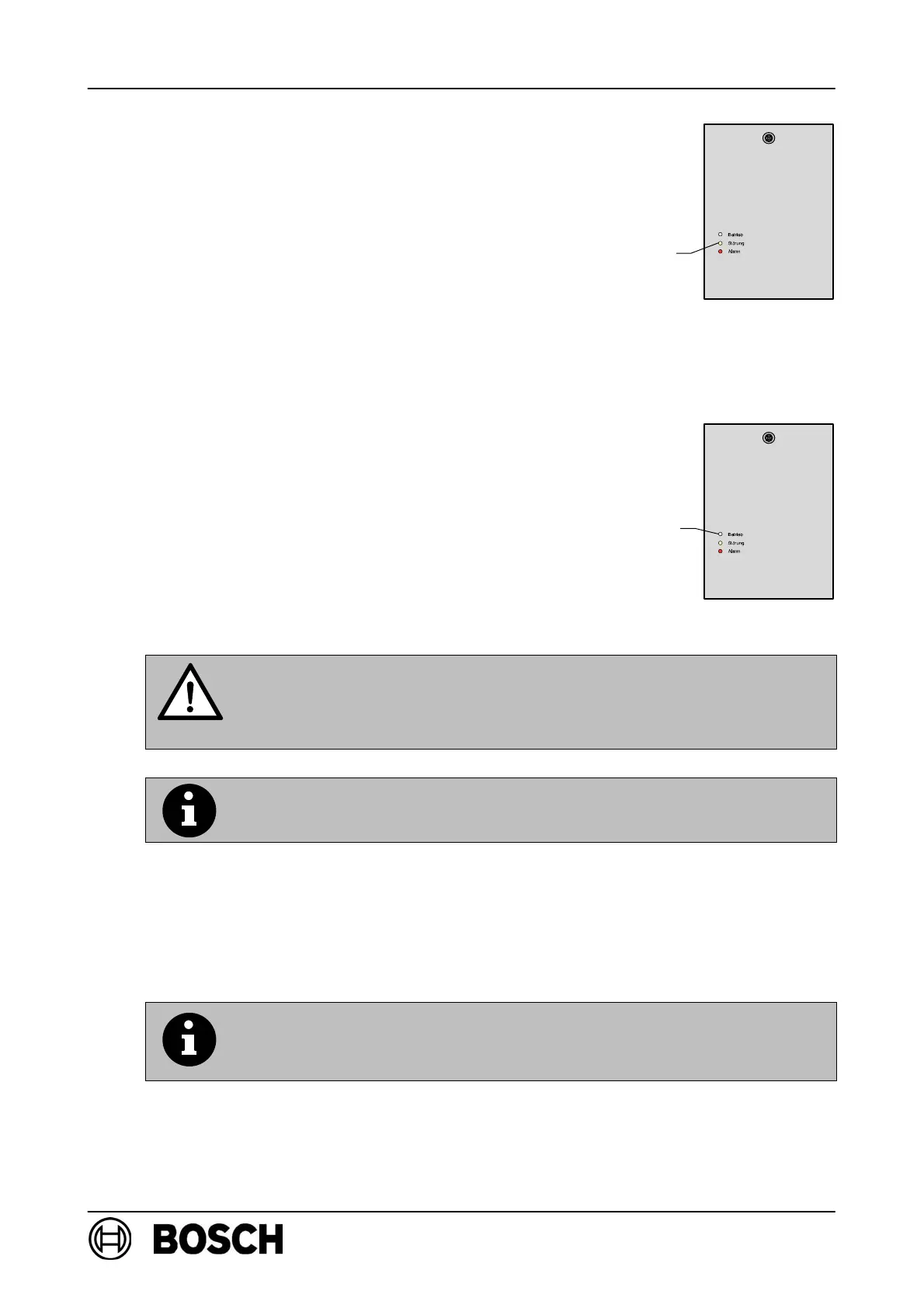
⇒ The yellow LED on the RF expansion module
lights up briefly to acknowledge each successful
logon.
D All RF detectors (maximum of 30) are logged on to
FK 100 LSN in this way one after the other.
. When logging on the individual RF detectors,
the sequence used in WinPara must be used.
If this is not the case, the detector will be entered
in a different position than in WinPara and it will not
be possible to locate it clearly in the event of an
alarm!
⇒ If all the RF detectors programmed in WinPara are
logged on, FK 100 LSN automatically starts sys-
tem configuration and this is indicated by the green
LED flashing slowly.
⇒ Following successful system configuration, the
green LED lights up permanently, indicating that
the radio cell is in standard mode.
⇒ The system is then automatically re-initialized by
the fire panel and switches to standard mode.
Avoid disconnecting the expander power supply after initial set-up
of the radio cell, as all detectors search for their RF expansion mod-
ules during power loss and are therefore constantly transmitting,
which substantially reduces the service life of the batteries.
If it is necessary to disconnect the power supply for a long period
( > 1 hour), remove the batteries from the RF detectors.
6.1. Resetting a configured FK 100 LSN
When performing initial set-up of a radio cell using WinPara, a
configured (already operational) FK 100 LSN is automatically reset
to its default settings.
LED yellow
LED green



 To Next Page