Starting up | 3
Bosch Motorsport Engine_Control_Unit_MS_6.x_Manual 29/76
3.2.2 Programs Installation
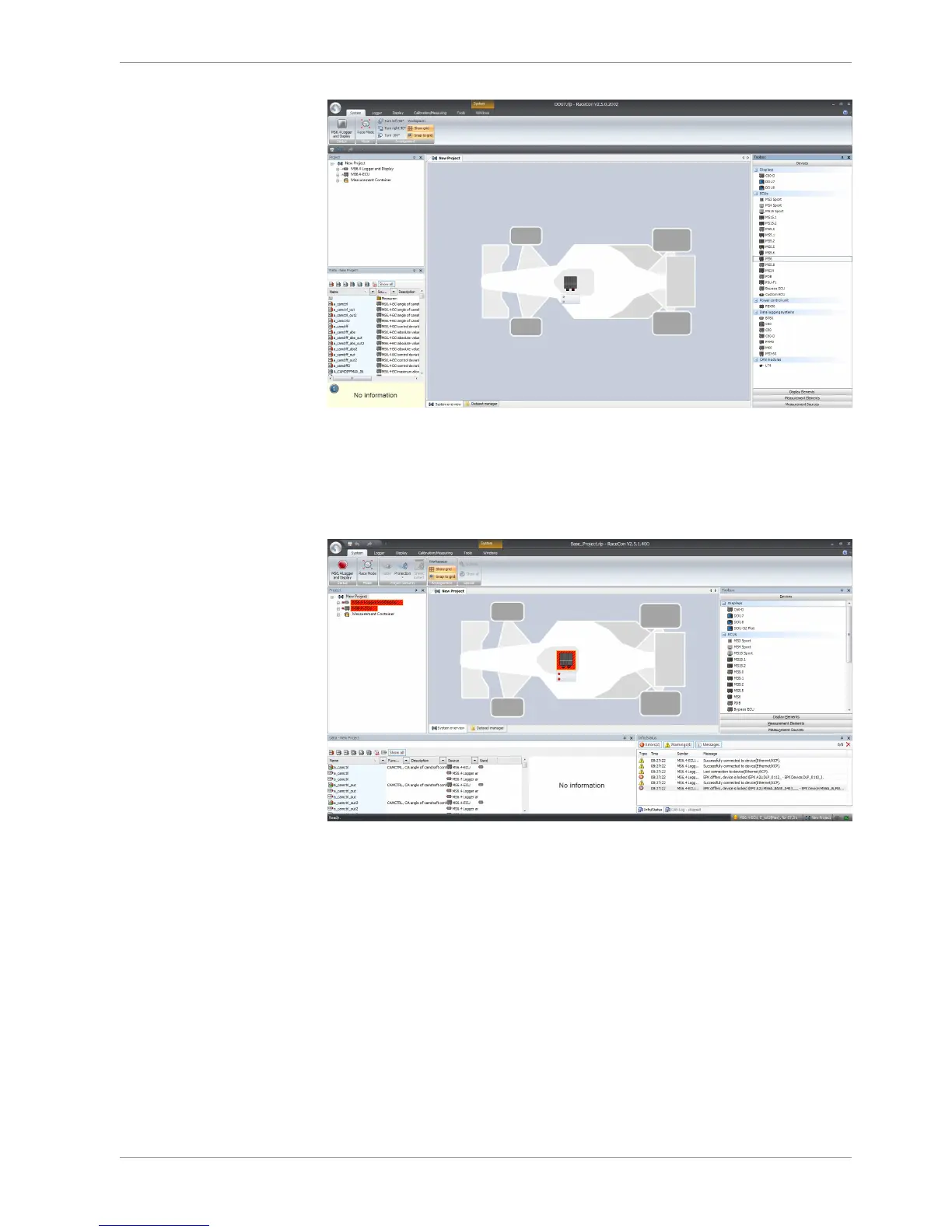
Going Online for program and license configuration
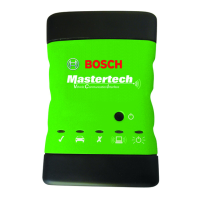
In the project tree both parts of the MS 6 core are shown as >red<, means MS 6 device
and RaceCon project differ in the used program version.
Synchronize MS 6 and RaceCon program version / update the firmware of the device:
Project-tree / right mouse button to one of the red MS 6 core / synchronize / update
firmware >select customer software of the MS 6 (file with extension: -.pst)



 To Next Page