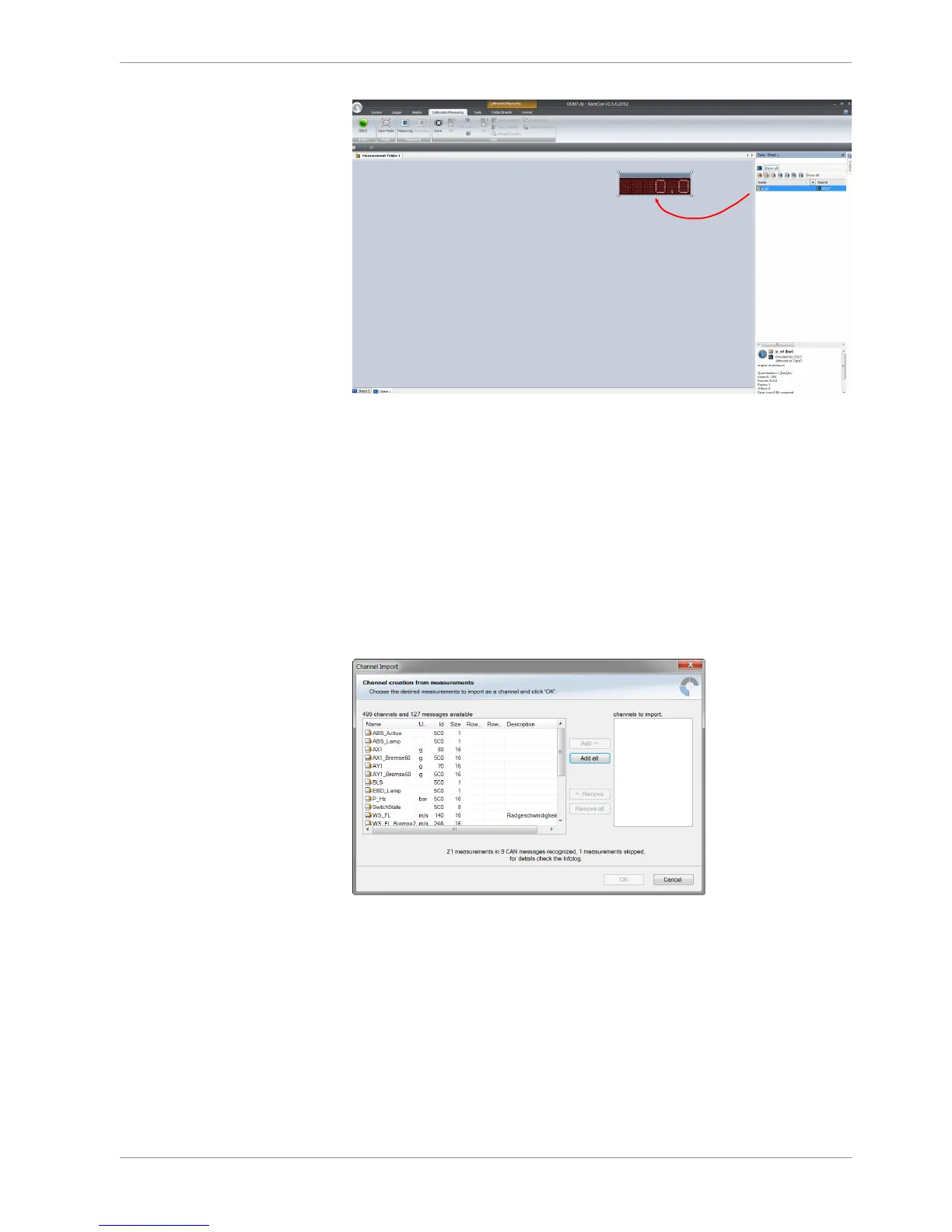
The measurement element displays the values of the assigned channel.
6. Connect PC to the vehicle and switch to ‘Race Mode’ by clicking ‘F11’ on the key-
board to display online data.
7.2.7 Import a CAN database (DBC) file
1. Click with the right mouse button on any CAN bus item.
2. Select ‘Import CAN-IN messages from DBC file…’ from menu.
3. A file browser opens.
4. Select the DBC file to import and click ‘Open’ when done.
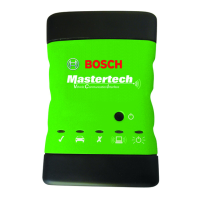
5. A channel import window opens.
6. Select the desired channels on the left and use the ‘Add’ button to add them to the
import list.
7. Click ‘OK’ when done.
The channels are inserted in the Data window.



 To Next Page