Pack201 | Operator Interface | Section 4
EN | 7
© Bosch Packaging Technology, Inc.
All rights reserved 2012
4.3.3 Navigation Bar
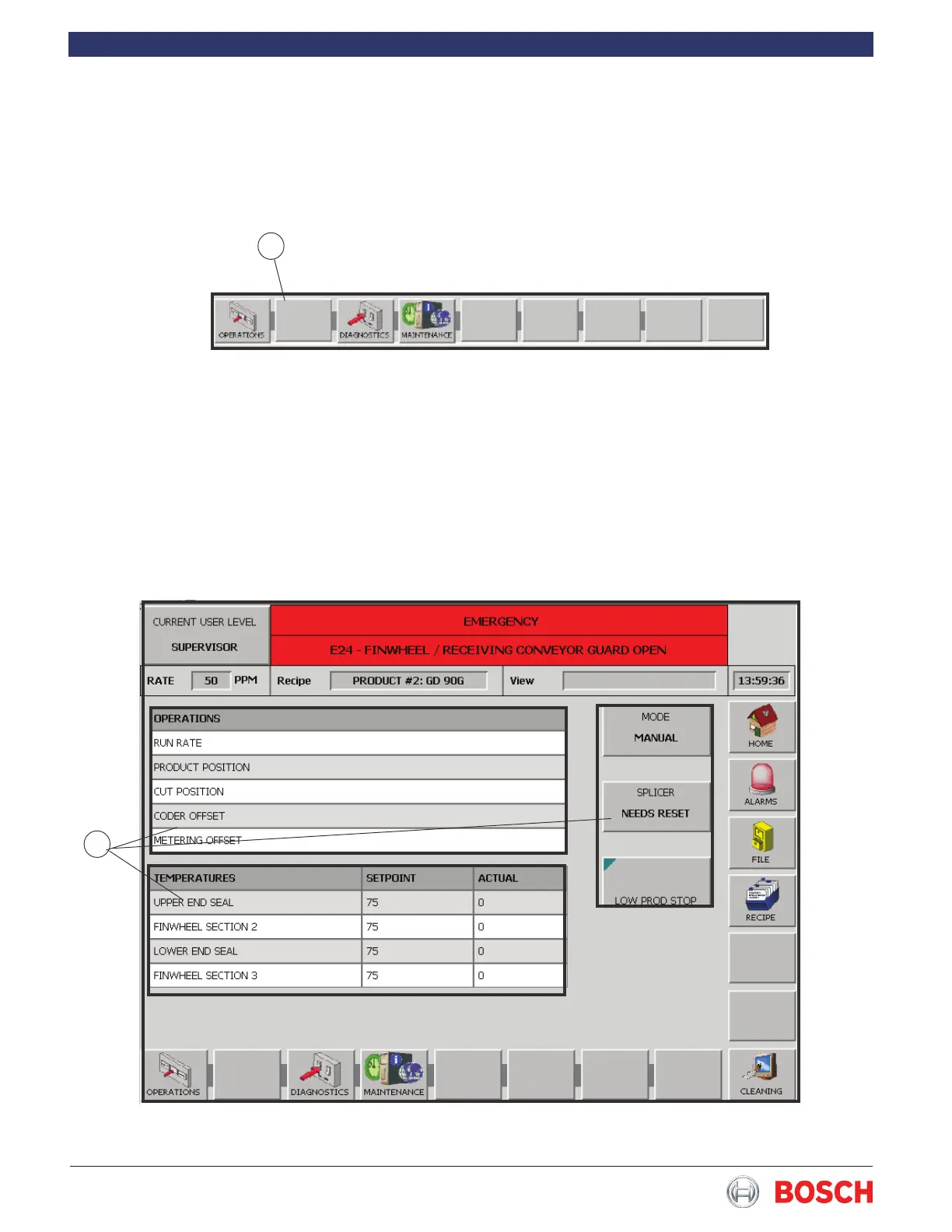
The navigation buttons (1 in Fig� 4) are shown at the
bottom of the screen� A function can consist of several
screens�
1
Figure 4
4.3.4 Operating buttons
The operating buttons (1 in Fig� 5) are used to perform
the associated actions� Touch a button to either dis-
play a keypad used to enter a value (run rate, tempera-
ture setpoint etc�) or to change a current condition
(change operating mode, reset splicer etc�)
1
Figure 5


 To Next Page