190/263 Bosch Rexroth AG | Tightening Technology 3 608 870 A47
Nexo cordless Wi-Fi nutrunner | 3 608 870 A47/2017-
9.6.2 Job steps
A job always begins with the start step and ends with the end step; the two steps are preset in a new job.
Different or identical job steps can be inserted between these two steps. Selection, number, and order
of these job steps depend on the required tightening process. New steps are always inserted in the job
before a selected step. A job can contain no more than 20 job steps.
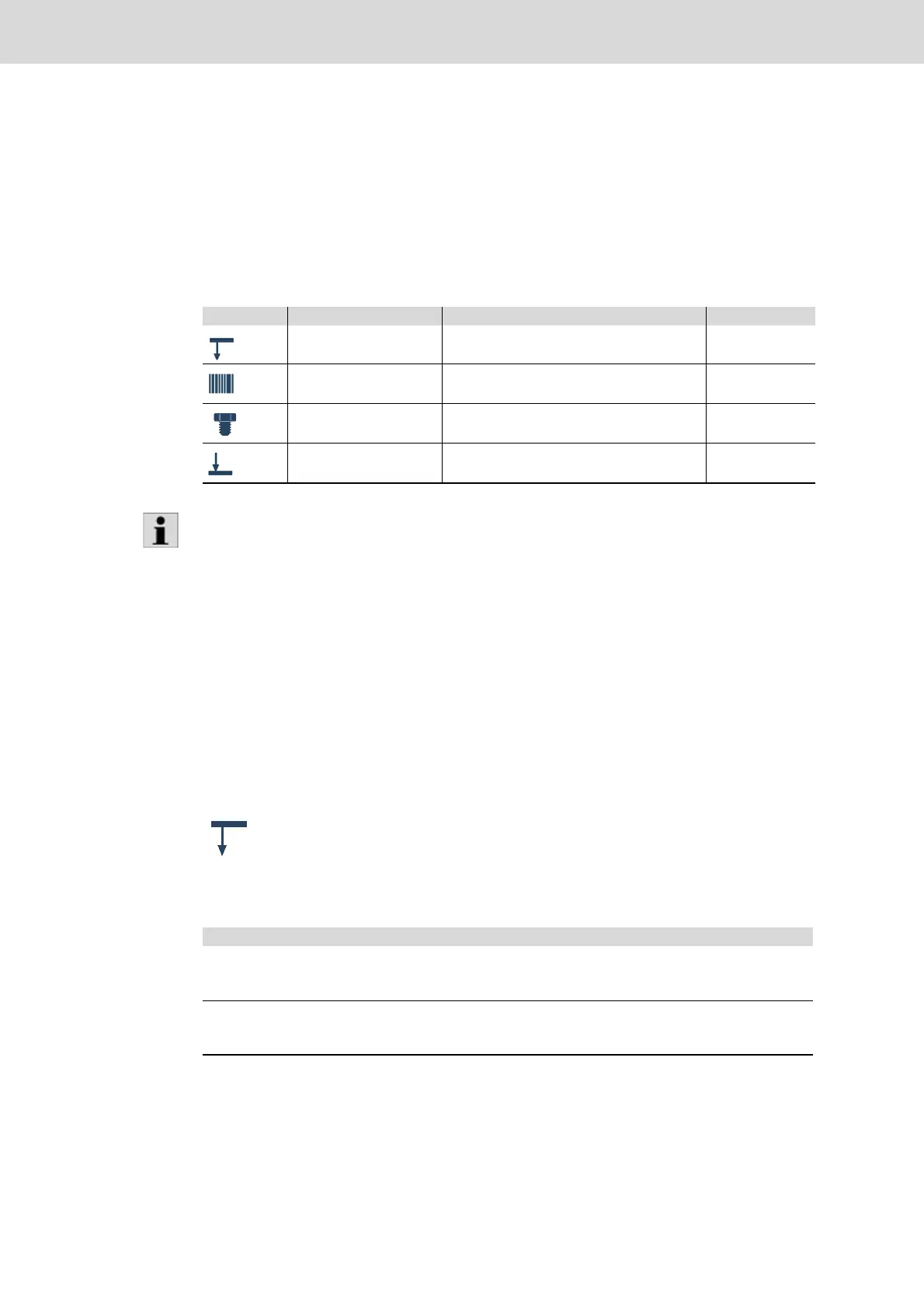
The following table provides an overview of the job steps available.
9.6.3 Create new job/change job
New jobs can be configured or existing jobs can be edited.
Accept values
Click OK to apply the edited values to the tightening program. Click Cancel to discard your changes.
The dialog window will be closed in either case.
Click Save to apply the tightening program.
9.6.3.1 Start step
Every job has exactly one start step. The properties of the start step apply to the complete job sequence.
General
Table 9–21: Available job steps
Element Designation Explanation See page
Start step Starts the job (page 190)
ID input Step for the treatment of an ID input (page 191)
Single program Step for basic processing (page 192)
End step Completes the job (page 194)
As of Nexo firmware version 1200, the sub-menus in the steps are no longer opened by
drop down menu and instead by clicking on the plus sign (left).
Double clicking the step or the respective icon will open a dialog where the associated
parameters can be entered.
Table 9–22: Start step dialog – General panel
Element Description
Name Step name
Admissible characters are ASCII characters, numbers, spaces, hyphens,
dashes and underscore.
Comments Enter a comment for the step.
Admissible characters are ASCII characters, numbers, spaces, hyphens,
dashes and underscore.







 To Next Page