UPDATING THE SOFTWARE VERSION
Tech 2 Update Procedures
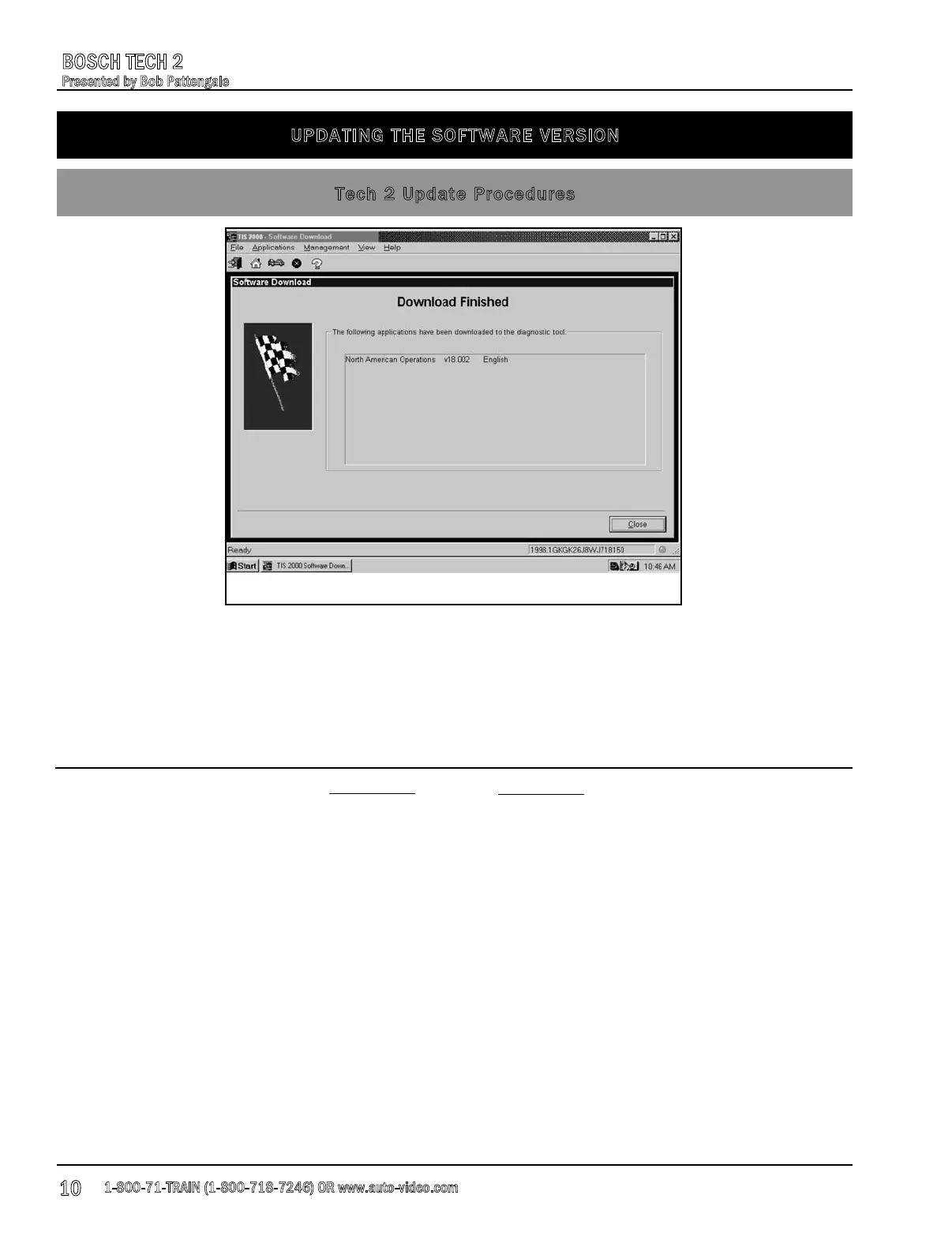
Fig. 4
7. The terminal displays a Confirm Software Change screen, Fig. 4, showing what the Tech 2
currently contains and what it will contain after the download. Select Next to continue.
This software download can take a fair amount of time depending on the speed of your internet
connection. The quicker your connection, the quicker the download. Remember, do not interrupt
the download and update process o
nce it has begun.
NOTES
1-800-71-TRAIN (1-800-718-7246) OR www.auto-video.com
BOSCH TECH 2
Presented by Bob Pattengale
10











 To Next Page