UPDATING THE SOFTWARE VERSION
Tech 2 Update Procedures
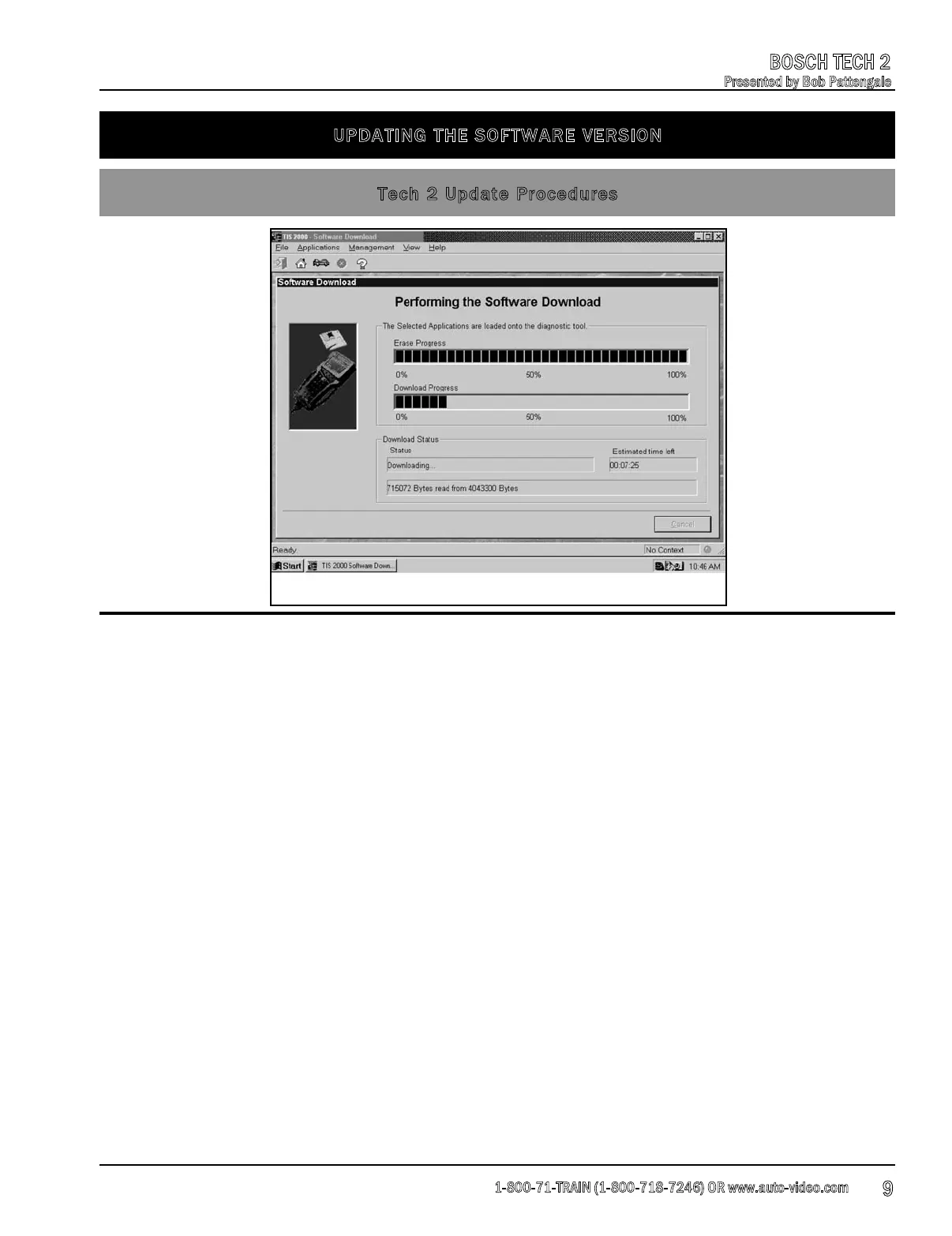
5. At the Select Diagnostic Tool for Download screen, highlight and verify your selection Fig 3.
• Standard installs the newest software onto the scan tool.
• Custom allows backdating or installing of non-NAO software onto the scan tool.
6. After confirming the selection, select Next. A message appears indicating the terminal is
reading the contents of the diagnostic tool.
Fig. 3
1-800-71-TRAIN (1-800-718-7246) OR www.auto-video.com
BOSCH TECH 2
Presented by Bob Pattengale
9











 To Next Page