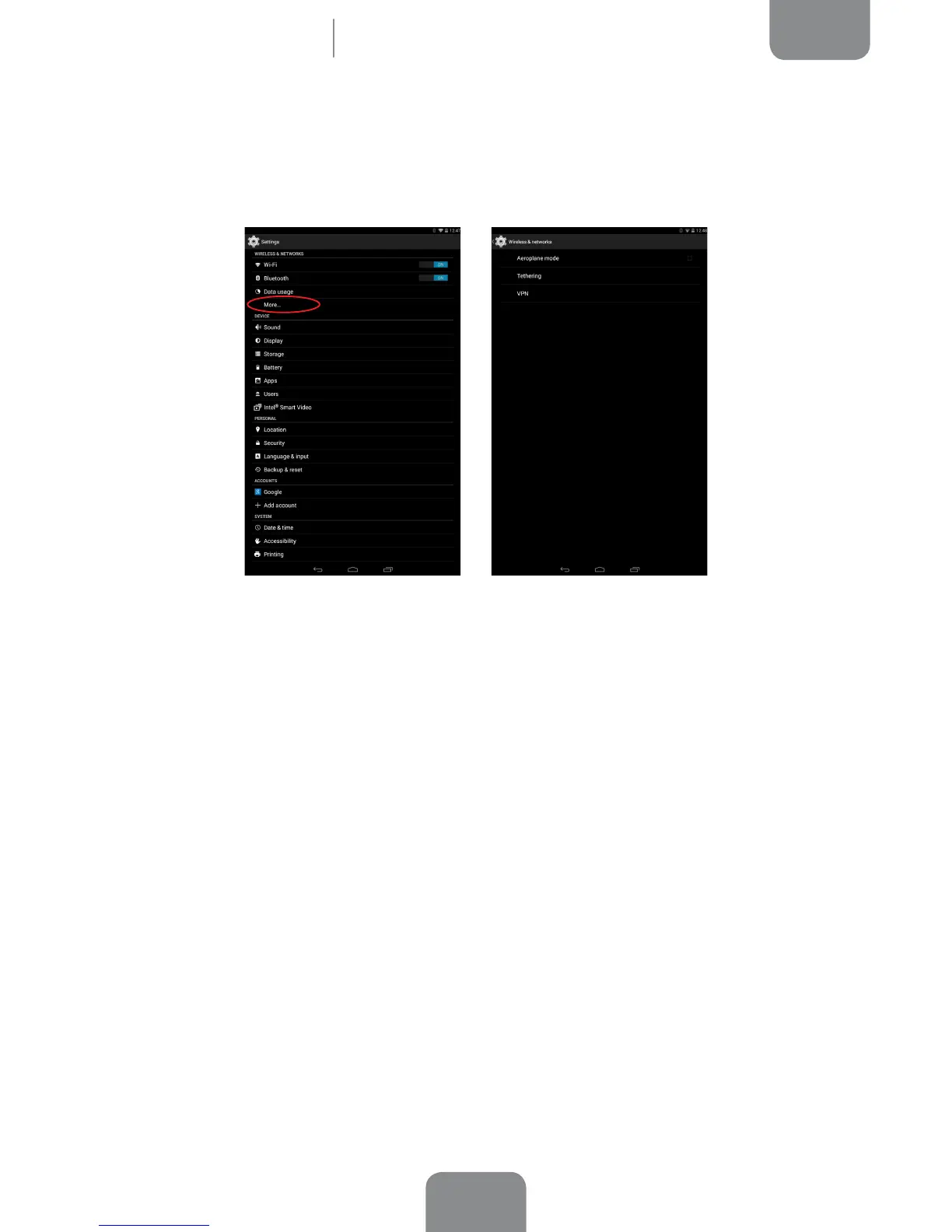
More...
Here you can activate Aeroplane mode, manage Tethering and the virtual private
network (VPN) settings on your device .
Aeroplane Mode: Selecting this option will deactivate all wireless connections.
Tethering: You can convert your bq into a USB or Bluetooth access point to share
the connection with one or multiple devices.
To share your connection via USB, connect your tablet to a computer using the cable
and select the USB tethering option.
To share your connection via Bluetooth, select the Bluetooth Tethering option. To
share your device’s network with a computer, Bluetooth must be enabled on both
devices.
VPN: This option allows you to congure a virtual private network.
Settings



 To Next Page