DEVICE SETTINGS
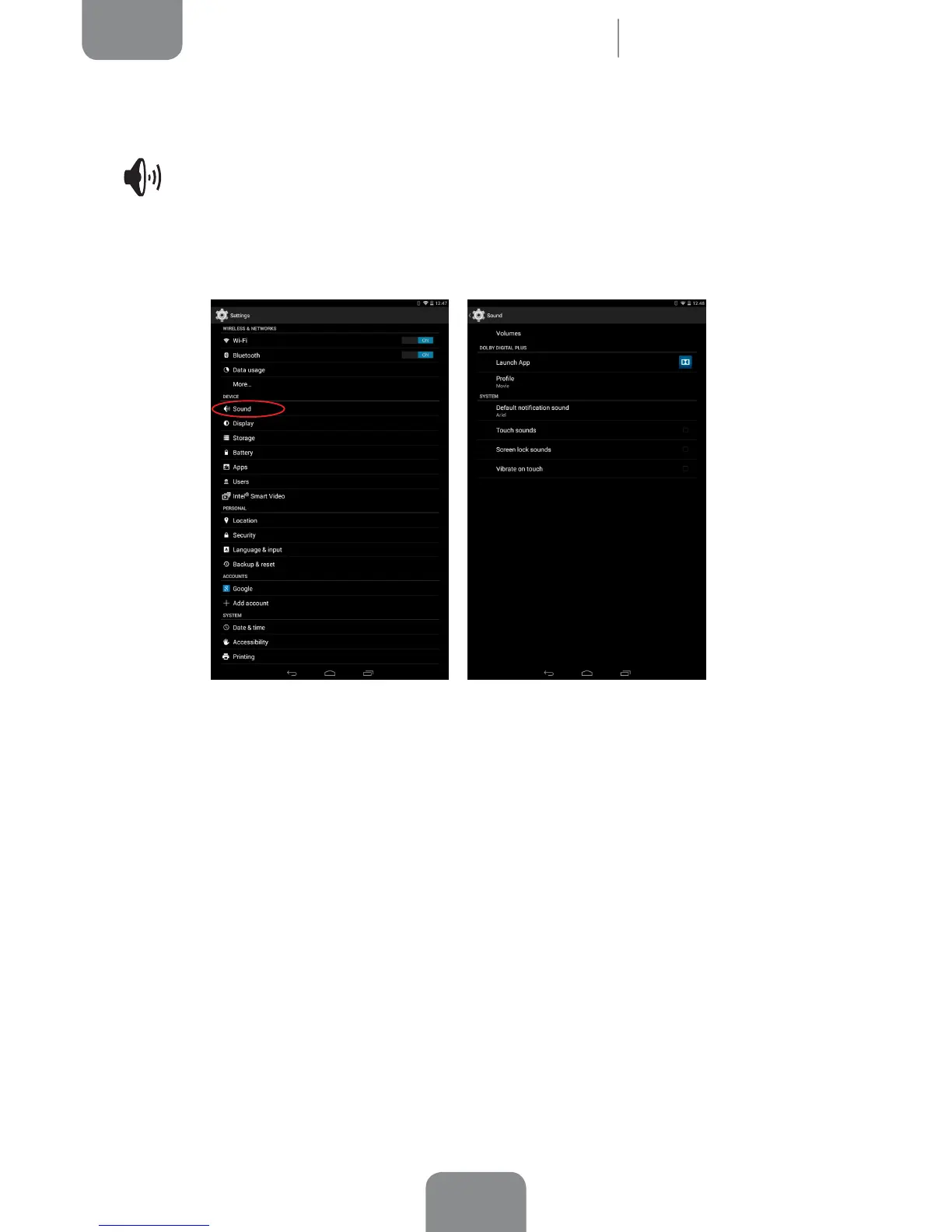
Sound
Here you can adjust the volume for music, videos, games, multimedia files,
notications and alarms individually.
Under Dolby Digital Plus, you can Launch App to congure the application which
is explained further on, or you can select a Prole.
You can also activate/deactivate sounds and vibration alerts for some system
features such as Touch sounds, Screen lock sounds and Vibrate on touch.
You can also adjust the volume for notications or multimedia content by pressing
the volume buttons.
Settings



 To Next Page