Multimedia
Scene mode: Choose from 6 automatic scene modes (night, portrait, landscape,
night-portrait, sports or barcode), or none.
Restore defaults: Restore the camera’s default settings.
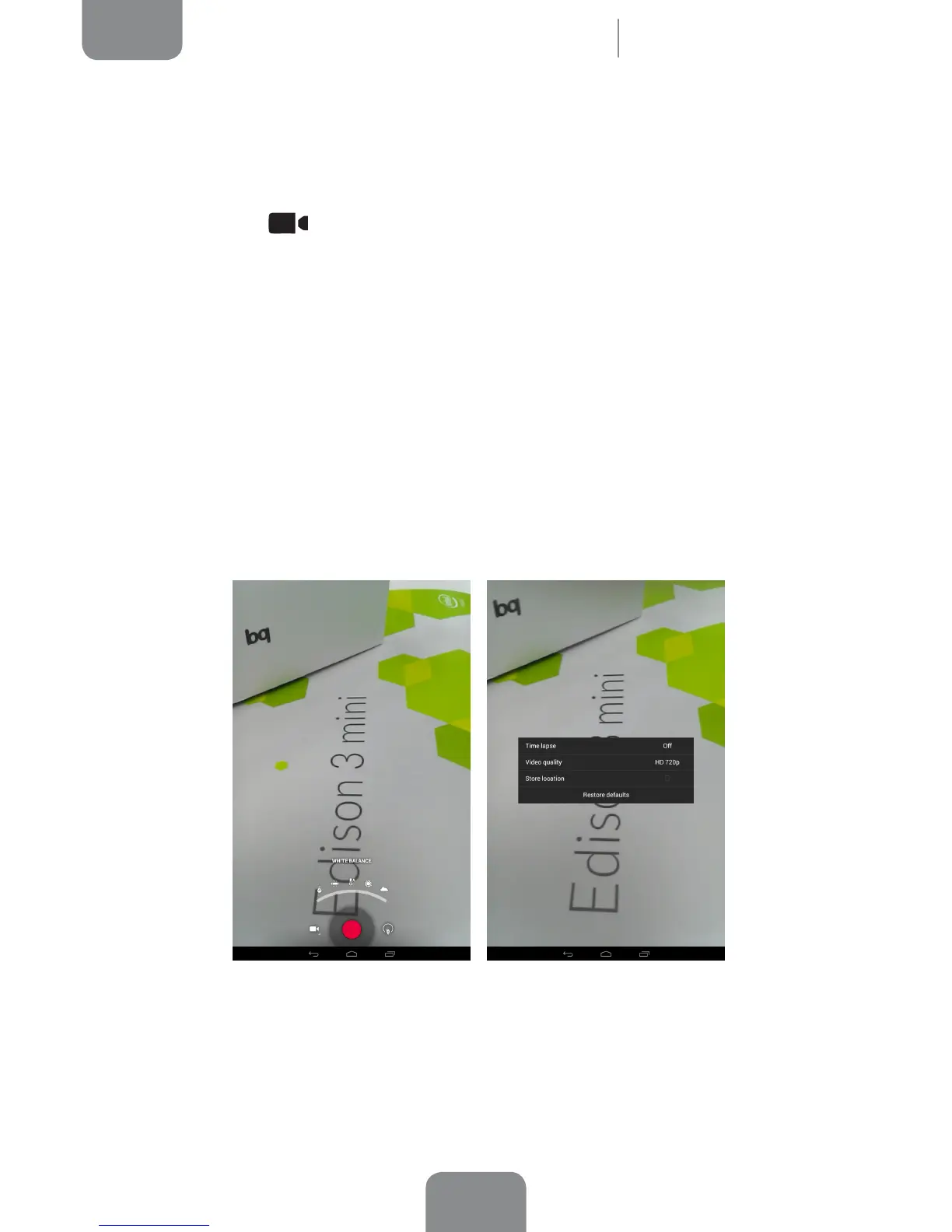
· Video Settings
White balance: Choose from ve types of light setting. The default setting is
Auto.
Time lapse interval: Sets the time interval between each photo or frame
(from 1 second up to 10 seconds). Remember that 30 frames are required for
each second of time-lapse video. Faster-moving scenes require shorter time
intervals.
Store location: Activate this option to add information on where your
multimedia le was created.



 To Next Page