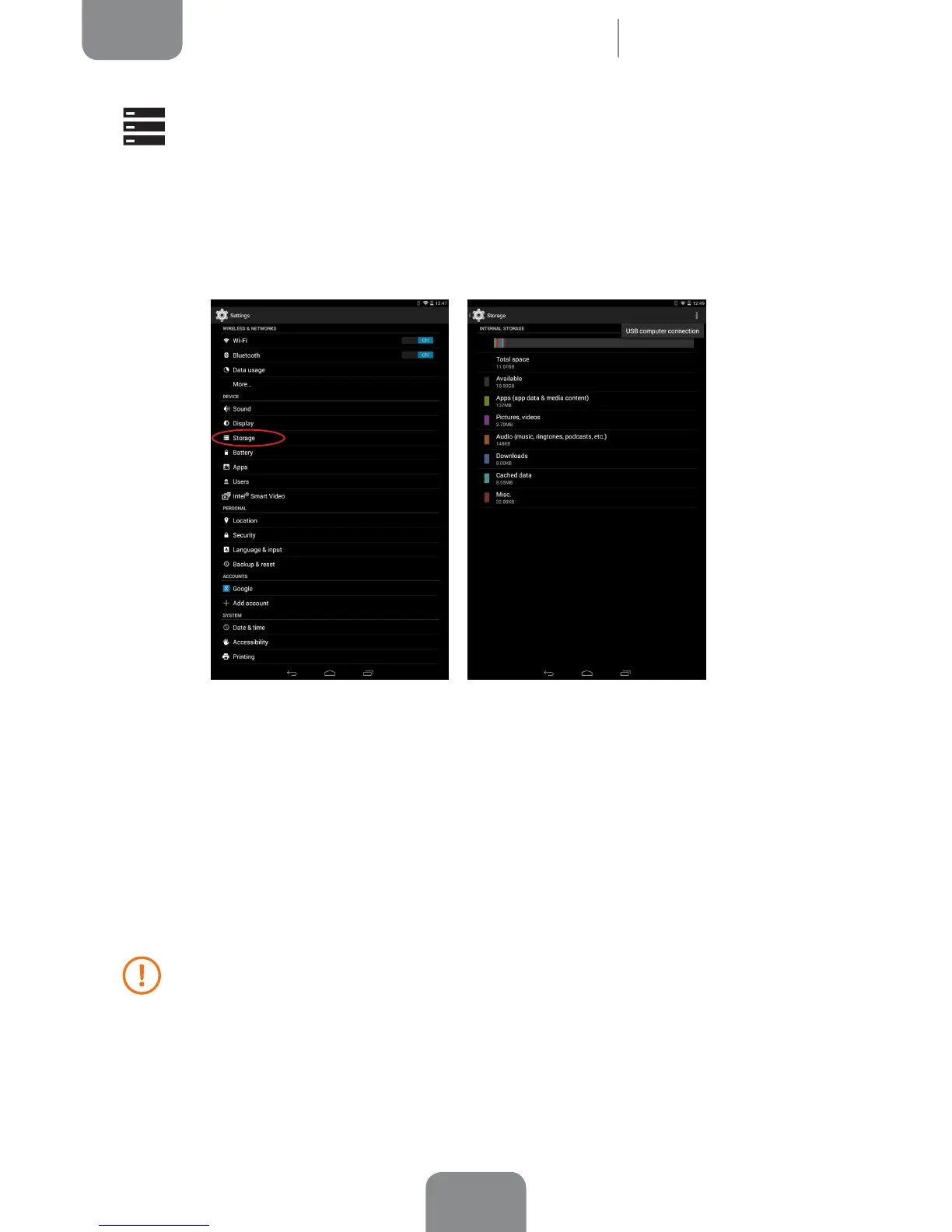
Storage
In this section you can set the Default write disk for your device, check the usage
of the various storage units, Unmount the SD card to remove it safely and Erase all
data from the SD card or internal memory.
If you remove the MicroSD card from your tablet and continue to use the device,
some of your apps might not function until you reinsert it. Make sure you switch
off the tablet or safely remove the MicroSD card (via the Storage menu) every
time you remove it or insert it, otherwise the card could get damaged and data
could be lost.
Settings



 To Next Page