PERSONAL SETTINGS
Location
Activating this option allows access to your location for those apps that request it
(e.g. preinstalled navigation maps). Additionally, the Power Control widget allows
you to activate the GPS satellites option; alternatively, it can be activated by pulling
the Notications bar down with two ngers and selecting the Location option.
There are two ways of providing access to your location: GPS satellites and Wi-Fi
& mobile network location.
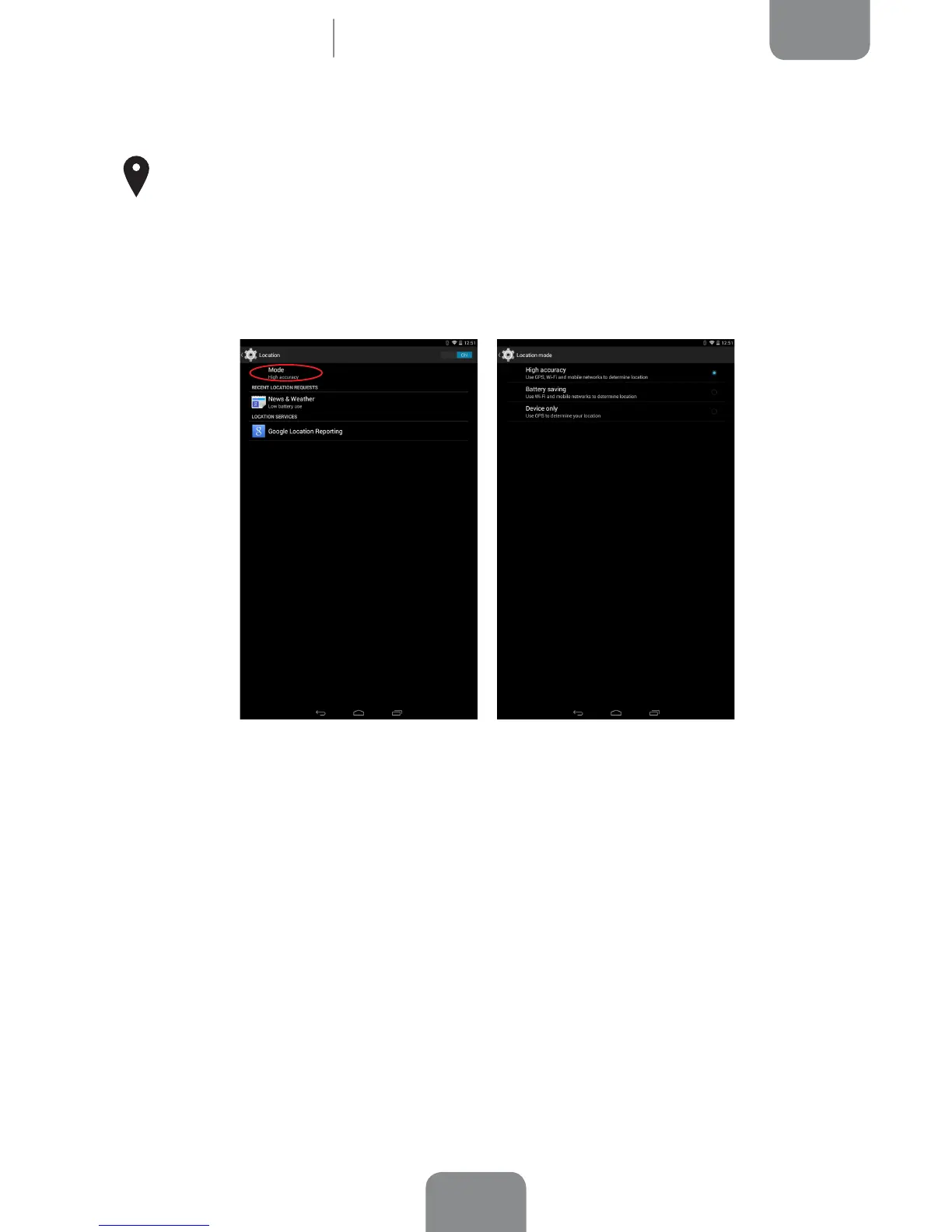
Under Mode you can choose from:
· High accuracy: GPS, Wi-Fi and mobile network
· Battery saving: Only Wi-Fi and mobile network
· Device only: GPS only
While the GPS function is always the most accurate, using your mobile network
allows for faster positioning, making it easier to start navigating and to change of
direction.
Under the Location menu, you can also view a list of apps that have recently
requested location access and the battery usage involved.
Settings



 To Next Page