Email
Setting up Other Email Accounts
The Email app allows you to send and receive emails from any other accounts you
may have, regardless of provider. This app can be accessed via the App menu, or
through the Home screen.
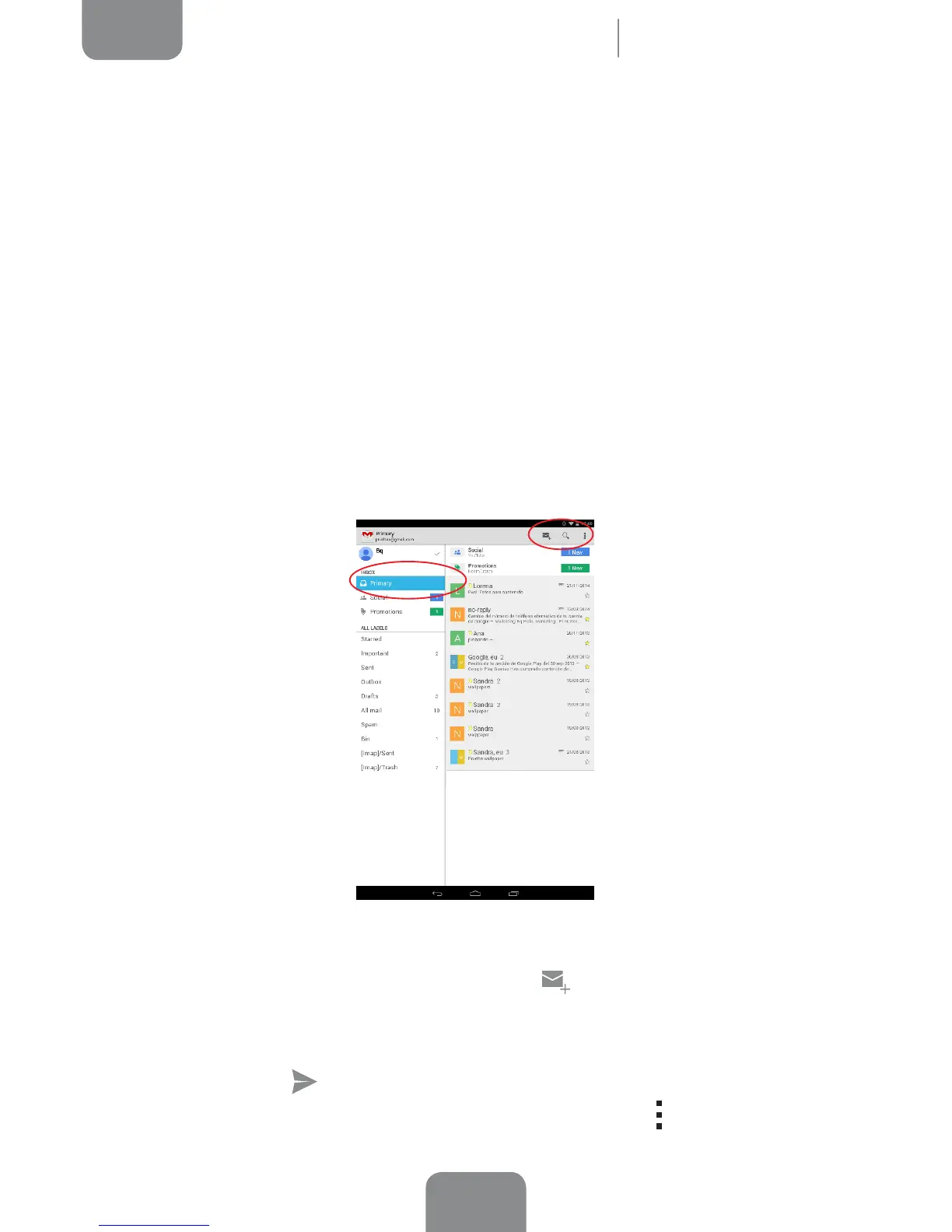
When you open this app for the rst time you will be asked to enter an email address
and password, as shown in this image.
1.
Enter your email address, then press Next.
2.
Congure the account settings (syncing, notications, etc.).
3. Congure the account settings (syncing, notications, etc.).
4. After the setup process is complete, it may take a few minutes for the account
to be synchronised and for your emails to appear on the screen.
Sending an Email
1. Open the Email app and press Compose .
2.
Enter the recipient’s email address, add a subject heading and then write
your message.
3.
Press Send .
To attach les, or add extra recipients (CC or BCC), press the
icon and select the
corresponding option from the list.



 To Next Page