Multimedia
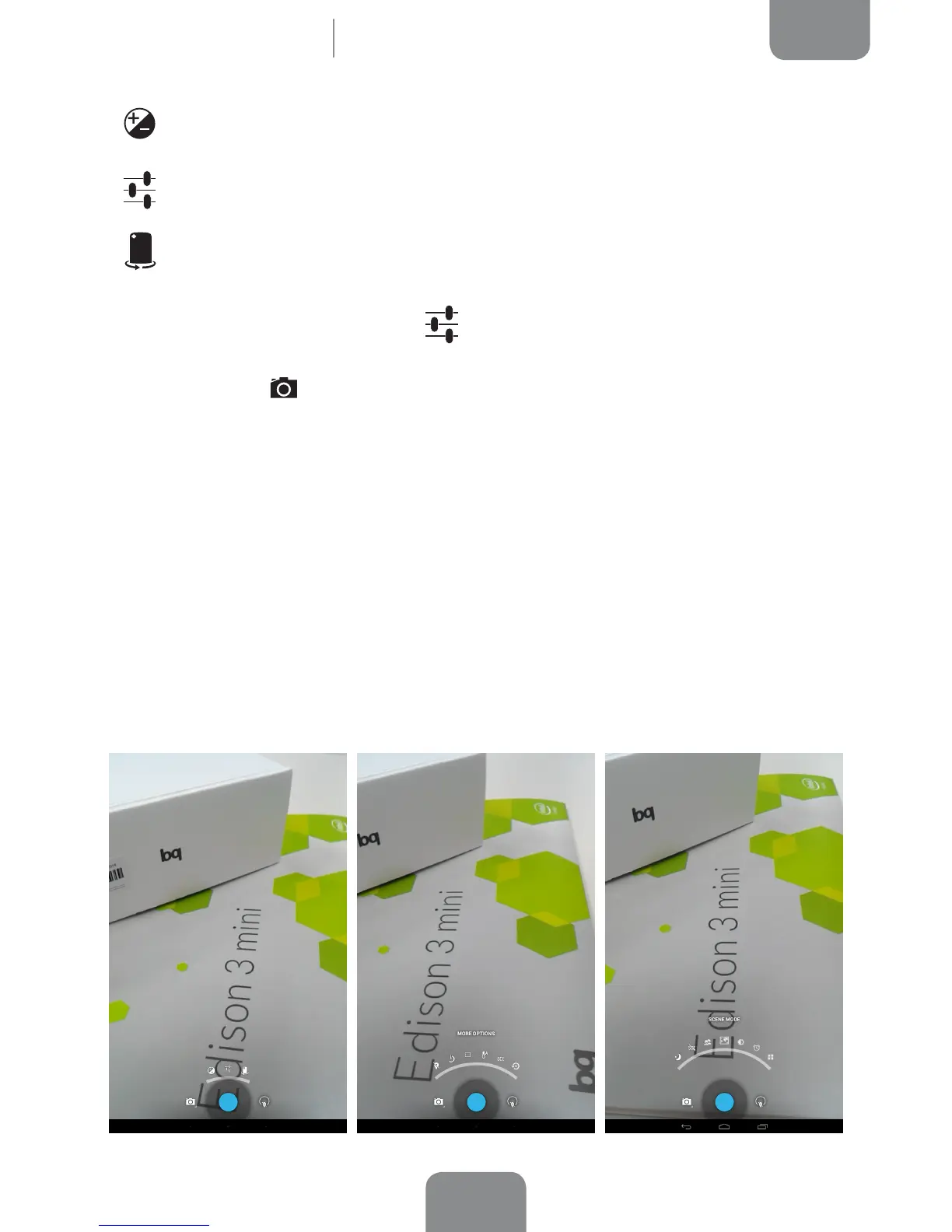
Exposure: Choose a value from 3 to -3 to specify the exposure level for the
photo. The default setting is 0.
More options: Allows ajustment of the general conguration of the camera
activated.
Front/rear camera: Enables the front or rear camera.
On pressing the More options icon , you will access another menu to adjust the
photo and video settings.
· Photo Settings
Store location: Activate this option to add information on where your
multimedia le was created.
Timer: Adjust the countdown timer (from 1s to 60s, or disable it). You can
enable the sound by selecting Beep during countdown.
Picture size: Set image quality by choosing values ranging from QVGA up to
5 megapixels.
White balance: Choose from seven types of light setting. The default setting
is Auto.



 To Next Page