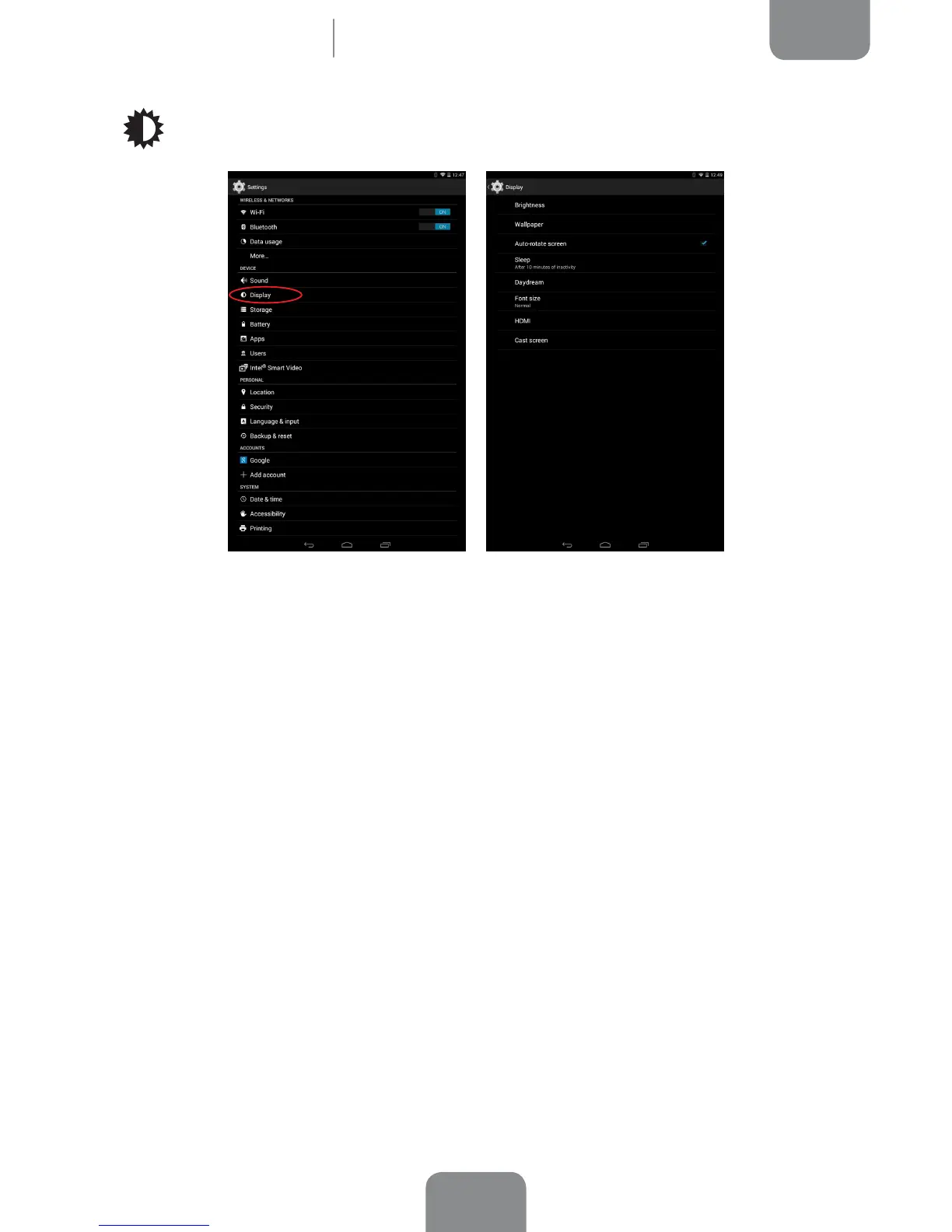
Display
Brightness: Lets you adjust the screen brightness level.
Wallpaper: Lets you select an image or video to use as wallpaper. You can choose
between live wallpaper, system wallpaper, photos from your Gallery or video images.
Auto-rotate screen: Activate or deactivate automatic screen rotation when you
change the orientation of your tablet.
Sleep: Select how long to wait before the screen automatically switches off.
Daydream: Activate or deactivate your tablet’s screensaver.
Font Size: Lets you choose between four different font sizes.
HDMI: Activate the HDMI connection to link your bq to another device using a
miniHDMI cable. You can also adjust the resolution of the video output.
Cast screen: you can use your tablet to send an audio/video signal to a remote
screen (or another tablet, smartphone, television, etc.) using the Wi-Fi network to
display its screen on both devices. The remote screen must be compatible with the
Miracast/DLNA protocol in order to do this.
Settings



 To Next Page