Description of the Unit
4-12
Digital Compact
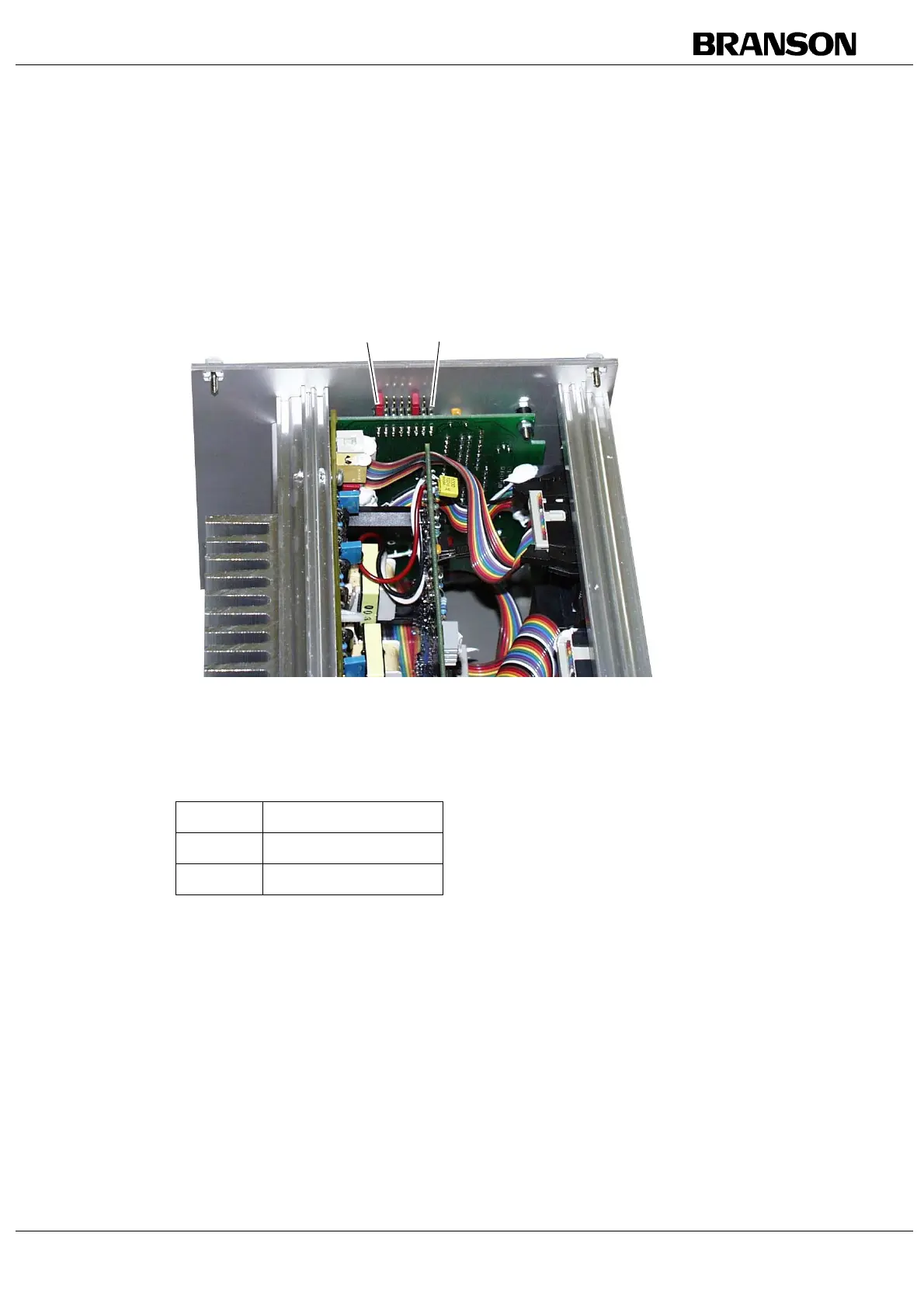
4.7 Setting the Mode of Operation
On delivery, Time mode is set as mode of operation.
Fig. 4-7 Jumper for setting the mode of operation
There are three different modes available for operating the Digital
Compact power supply module:
1. Basic mode, no control function
2. Time mode
3. Energy mode
The mode is set using internal switches and displayed by two LEDs on
the front panel. If no LED is on, this means that the Basic mode is set.
The tuning potentiometer for time and energy control is located above
from the LEDs.
Tab. 4-6 Modes of operation
Jumper Function
1Time mode
2 Energy mode
1 2 3 4 5 6 7 8
1 2 3 4 5 6 7 8



 To Next Page