www.bresser.de
⑤ Deleting supports
Supports are deleted when you click the [Delete] button. Position the mouse pointer
on the column to be deleted. The current column and its subnodes are highlighted.
Press the left mouse button to delete the highlighted support.
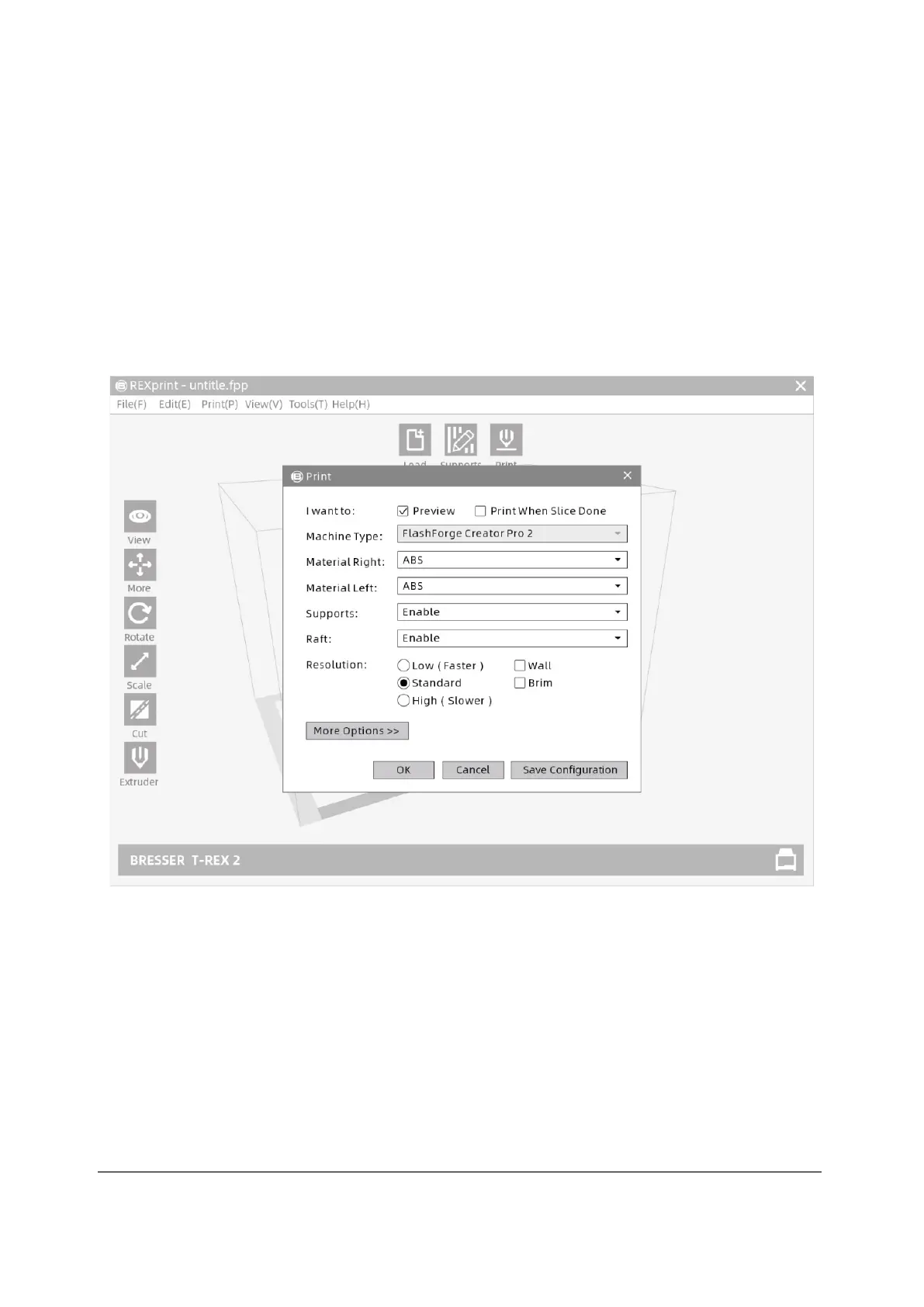
3.2.11 Printing
Click the print icon. Now the print screen is displayed. After all parametres have been
set, click [OK]. Then select the correct file format and click [Save].



 To Next Page