www.bresser.de
Open or do not open the preview interface. Selecting this option
automatically displays the preview after slicing is complete. Slide
the model layer slider on the left side of the interface up and
down to display the model layer. The estimated print time for the
model and filament are displayed in the upper right corner. Click
[Print] to connect the machine. Click [Back] to display the main
A support is required for printing off/on models. Clicking
[Support] creates a support part for the print.
With the help of this function, the model adheres well to the
platform.
During dual color printing, this feature protects against contact
with filament exiting another extruder.
Expansion of the bottom layers of the model so that the edges of
the model are anchored to the platform in such a way that it
does not warp or the pressure fails.
There are three resolutions (including the default): high
resolution corresponds to a slow print speed, low resolution to a
fast print speed. The "Hyper" function is available for PLA
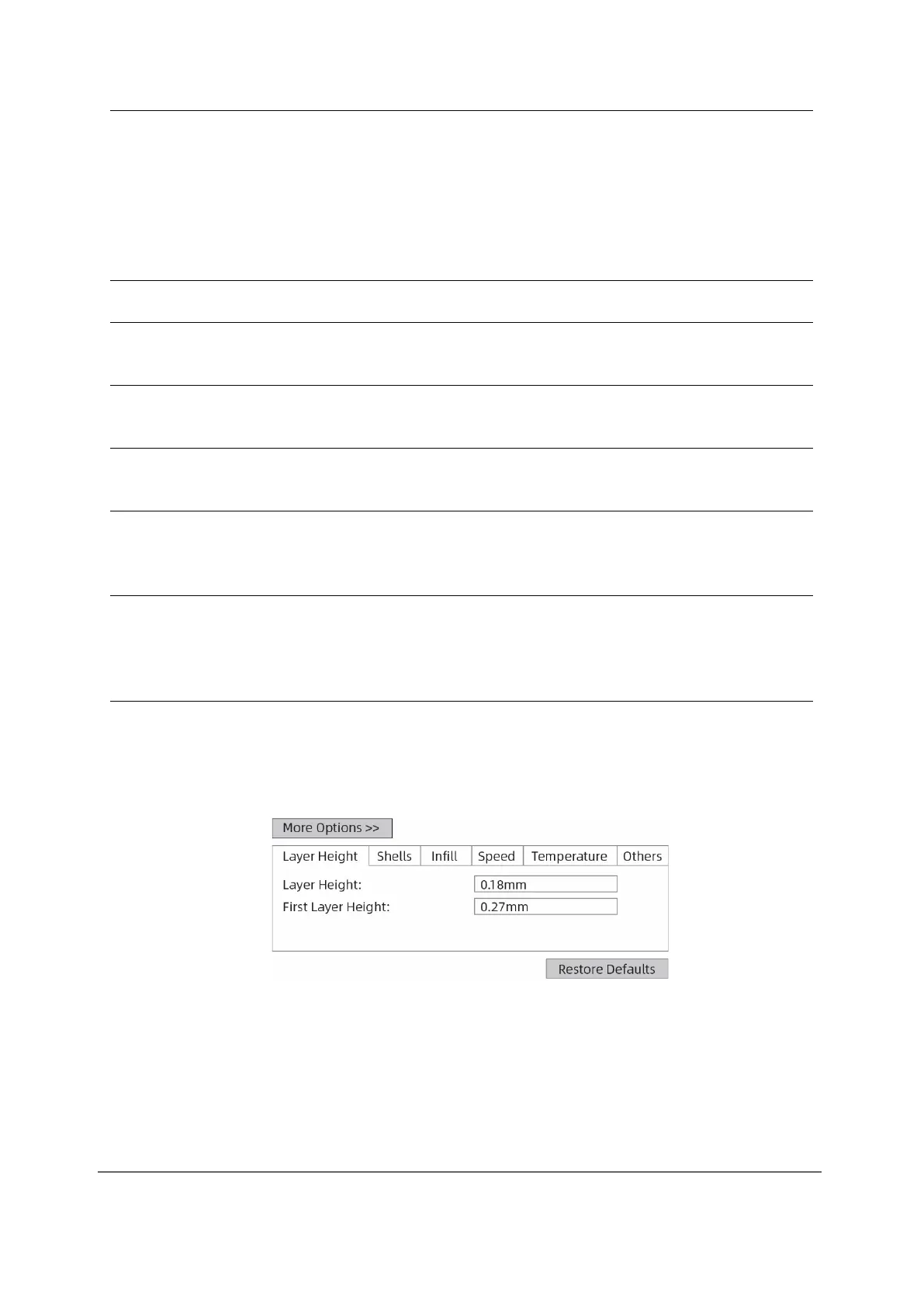
Under [More Options], settings can be made for "Position",
"Layer", "Infill", "Speed" and "Temperature". The different
resolutions according to the different default settings. To restore
the default settings, click [Restore Defaults].
Layer Height: Layer thickness of the print
model. The smaller the value, the smoother
the surface of the model.



 To Next Page