18
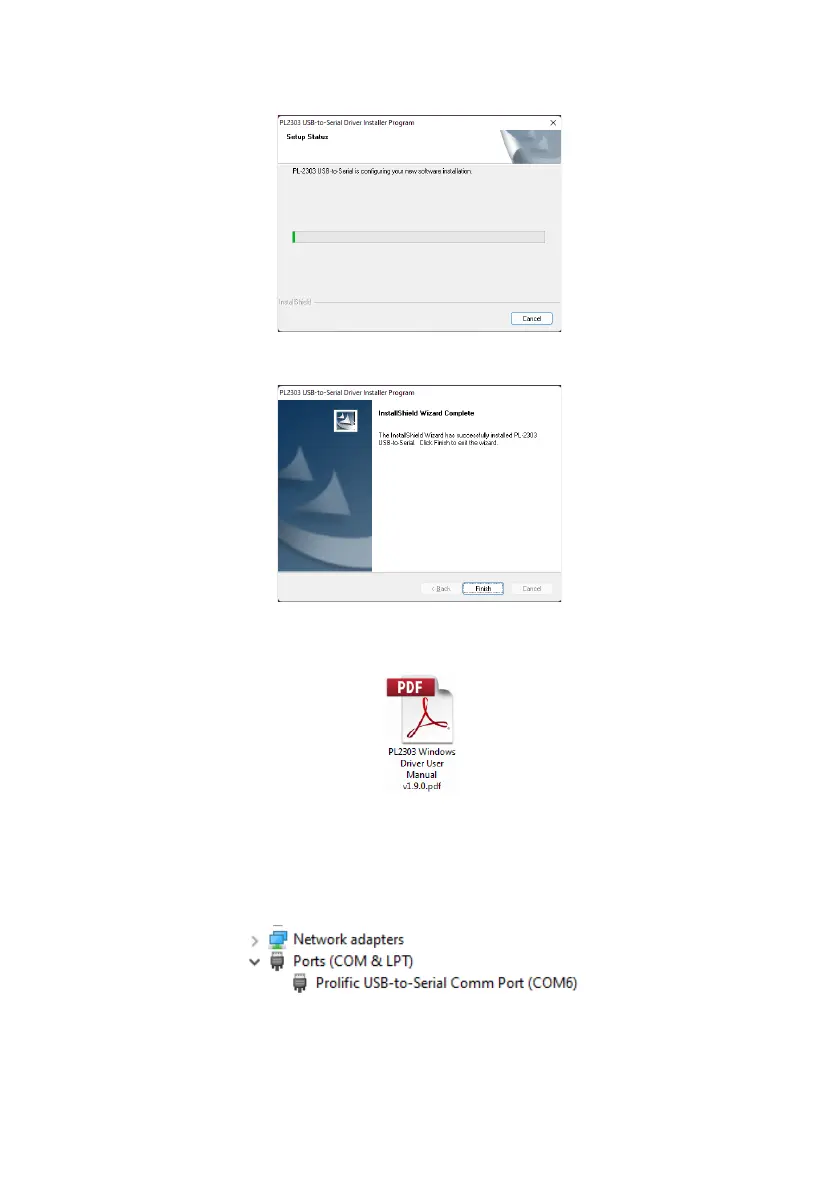
The installation progress will be shown as in the window below:
Once the installation is complete, click “Finish”:
In case there are any issues with the driver installation further information can be found on the
USB Drive, folder “Driver”, document “PL2303 Windows Driver User Manual vX.X.X.pdf”.
If there is doubt whether the installation has been successful, follow sections “4.3 Using the
Configuration Tool Software” and “4.3.1 Identifying COM Port Number” to check for correct
installation and port properties.
Go to device manager and open the COM port section. It should report:
Note: The COM port number displayed may be different to the example shown above.



 To Next Page