Reminder board
Reminder icons will work while receiving emails, WIFI is open, you can
open the reminder board to view the detailed information.
Open the reminder board
When the reminder column shows new reminder icon, please hold the
column and slip down your finger, then the reminder board is opened.
3 QUICK START GUIDE
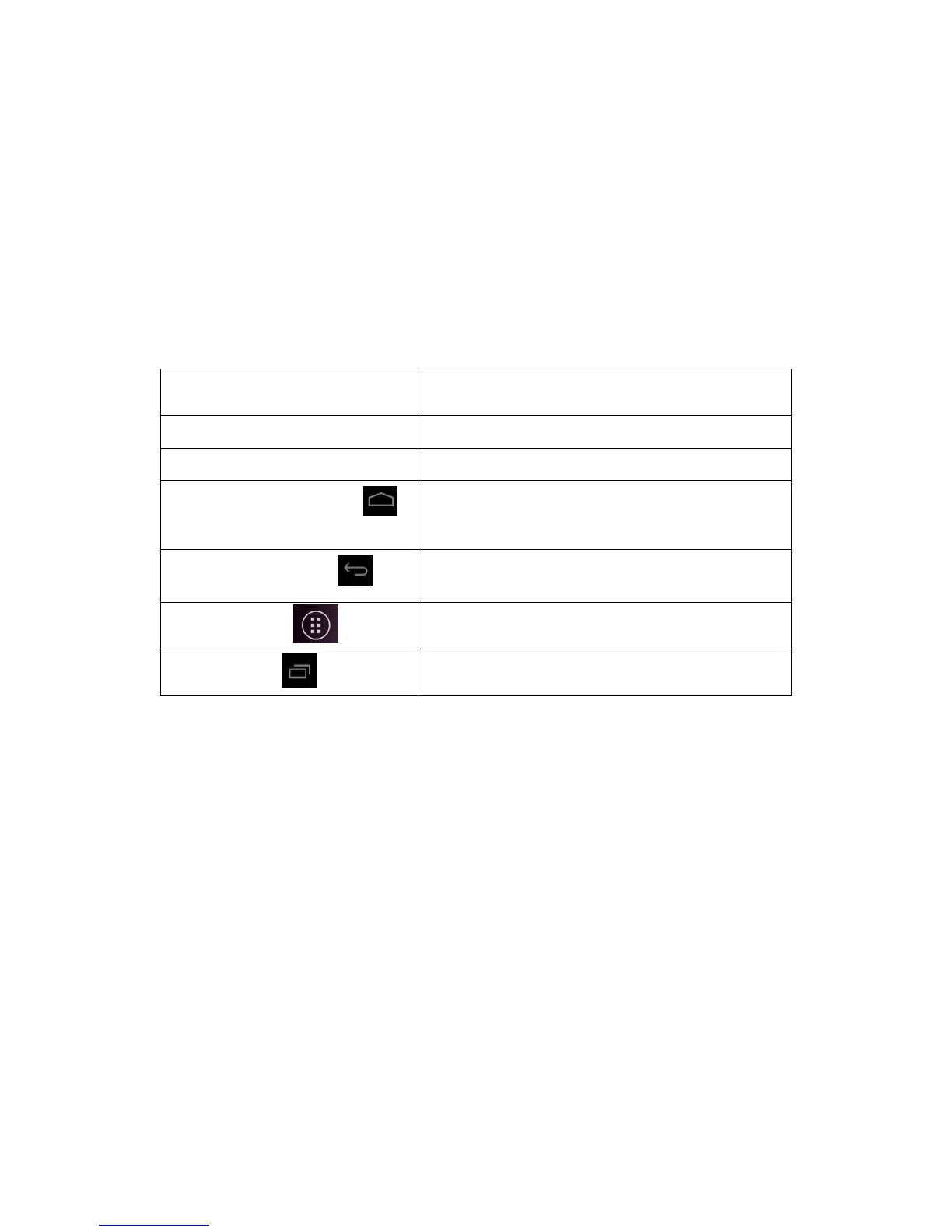
3.1 Keys Function
Keys Funcction Description:
3.2 Startup and Shutdown
Startup
Long press POWER key for three seconds, you can enter into
startup picture. The system enters into screen lock status, please
unlock it.
Shutdown
1. Long press POWER, it will popoup shutdown window.
2. Shutdowm window contains mute mode, airplane mode,reboot
mode and shutdown four options.
3. Click Shutdown is the last step.



 To Next Page