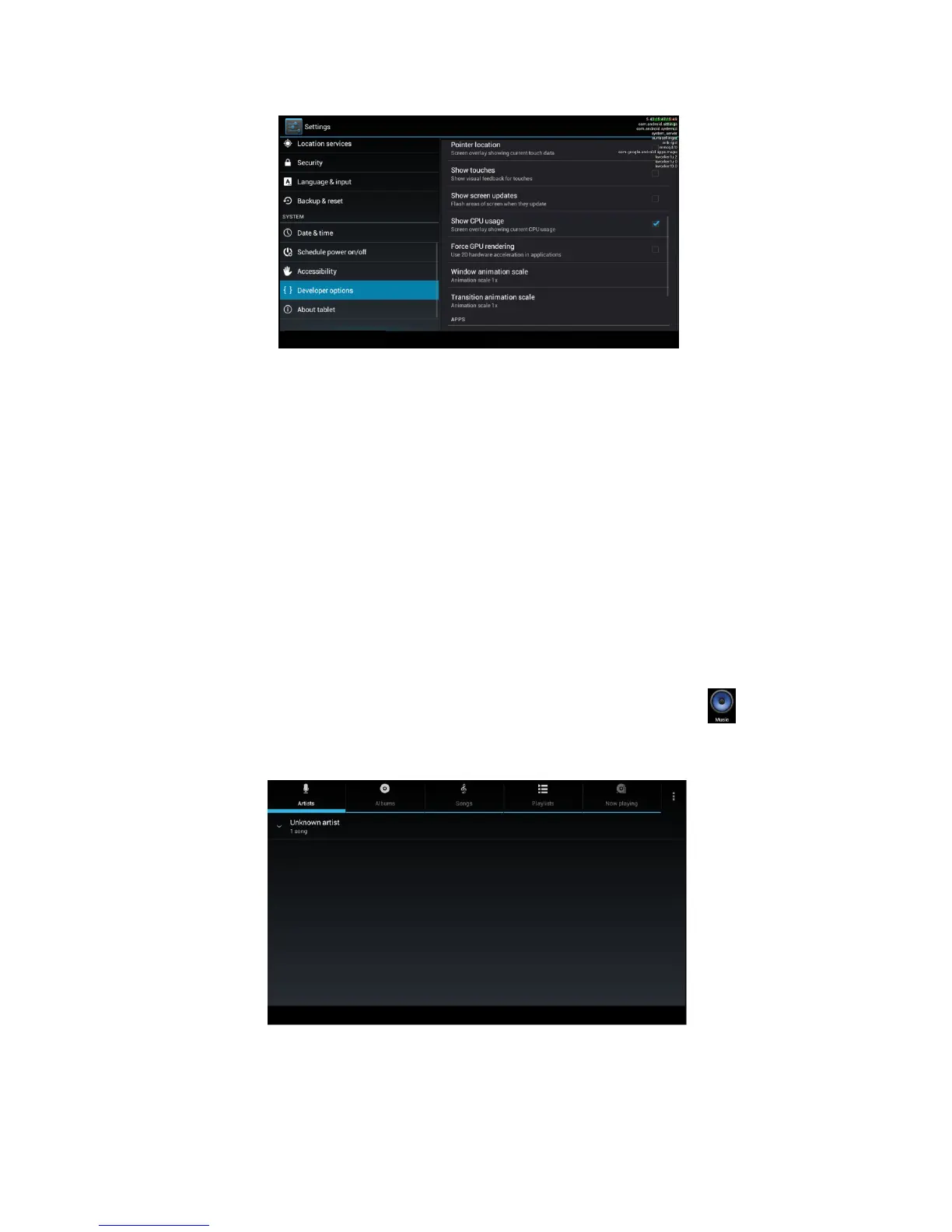
Picture 4.63
4.20 About Tablet
Check MID state
1. Check Setting application.
2. Click about tablet, check state message, model,
Android version, version No and so on.
3. Click state message, check battery state, battery
volumne, SIM state, IMEI number, IP address.
5 Multi-Media
5.1 Music
Enter into music player: in menu or desktop click music icon
to enter into music player, click the music you want to play, as Picture
5.1:
Picture 5.1



 To Next Page