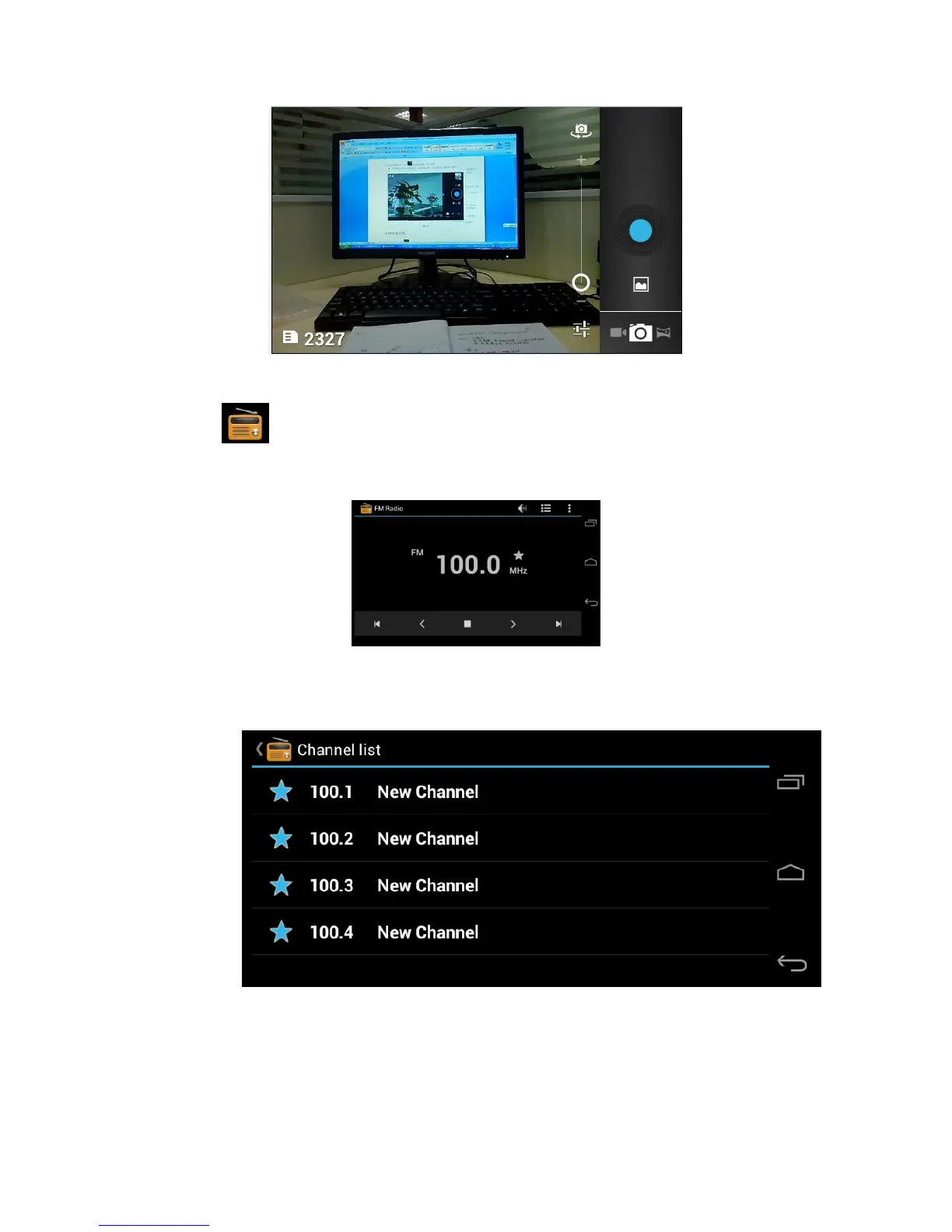
Picture 5.4
5.5 FM Radio
Click in the main interface or desktop to enter into FM radio
interface:
- Radio button operation instruction as Picture 5.5:
Picture 5.5
Click search to search FM band, as Picture 5.6
Picture 5.6
- RDS setting: click Menu key in interface, click the munu button, and
choose RDS settings, enter into RDS setting as Picture 5.7, and
choose the selection you want to add



 To Next Page