Search contact: click button, enter into search function
Add contact: click button, enter into add contact interface.
7 INTERNET
7.1 Browser
In case of Wi-Fi or mobile internet is connected well (Please refer to
Chapter 4.1 for wireless and internet setting), click IE browser in
the main menu or desktop to enter the IE interface, as Picture 7.1
Picture 7.1
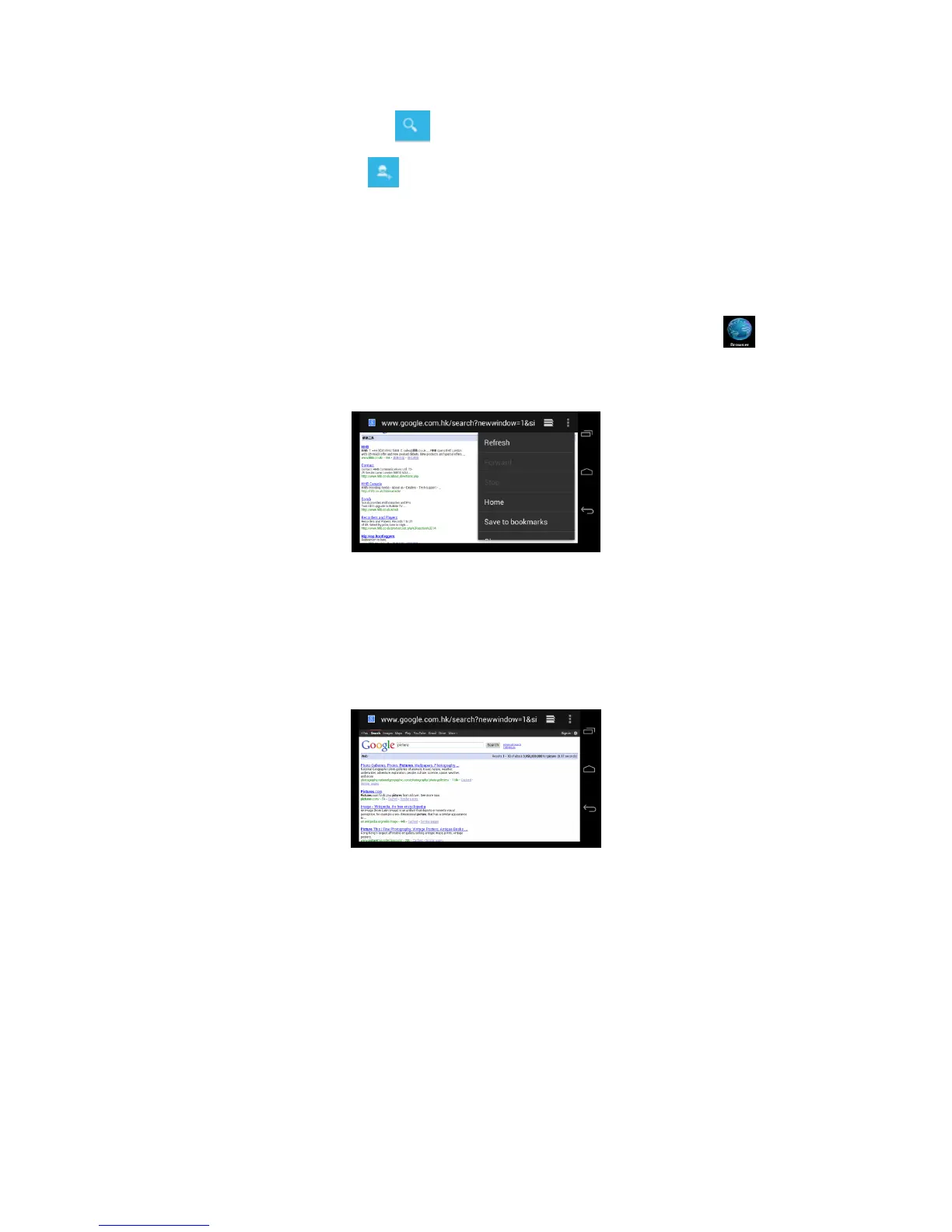
Click address bar to input the website, click start, enter into related
webpage, then you can browse the website information, as Picture
7.1.2 and you can click the menu you can refresh ,save to
bookmarks,,share page,bookmarks,,history and setting the webpage.
Picture7.1.2
7.2 Email
Email application procedure contains email setting guide, you can add
the external POP3 OR IMAP email account of normal web email service
provider (For instance, Yahoo, Gmail, Hotmail and 163),as Picture 7.2



 To Next Page