Picture 5.2
- Drag the progress bar to adjust play progress.
- Operation of music player button as Picture 5.2
5.2 Video
- Enter video player: choose application in main menu, choose
the video you want to play.
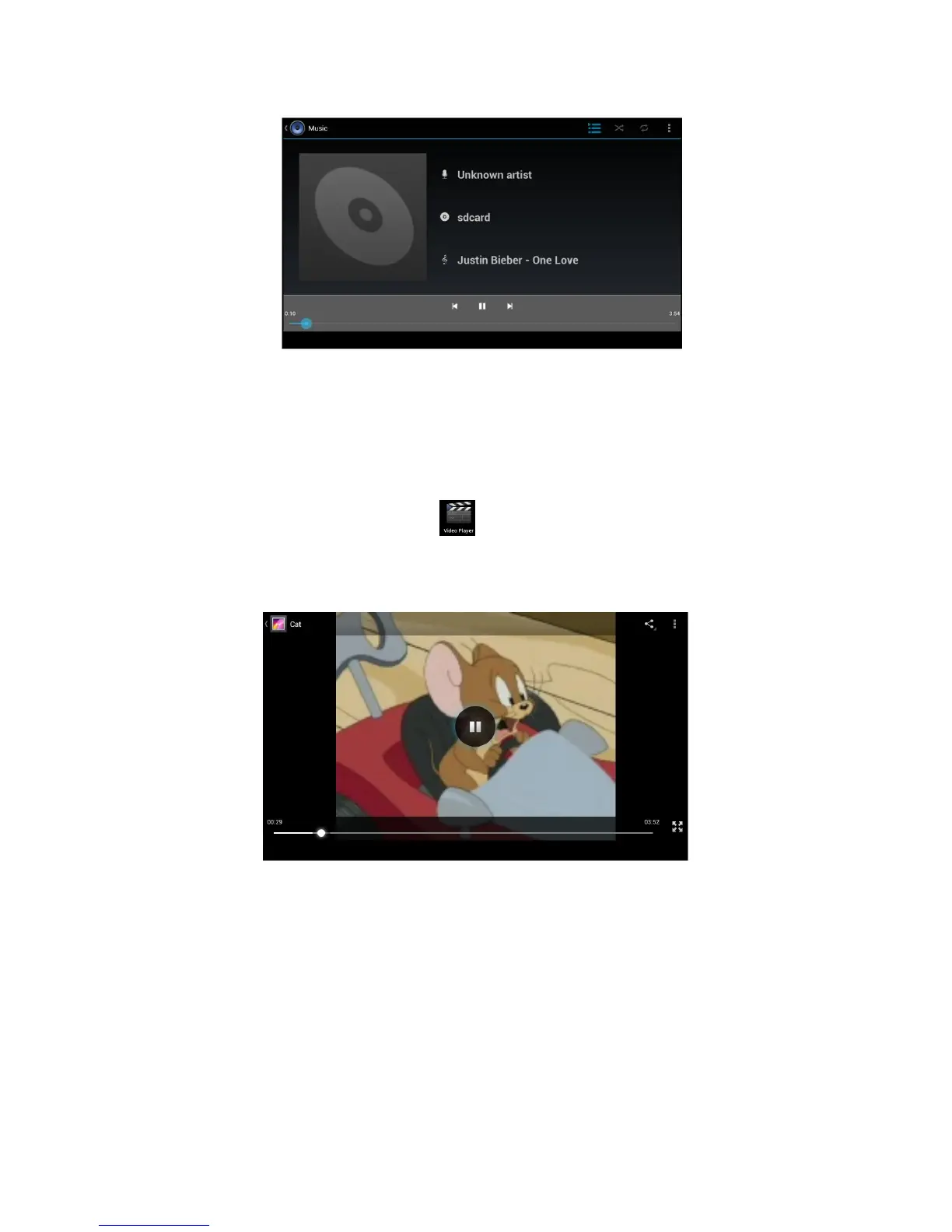
- Operation of video player button as Picture 5.3
Picture 5.3
5.3 Photo Gallery
Photo gallery application can auto search photos and video files in SD
card, and photo gallery will classify these photos and videos in folder.
You can apply photo gallery to view and edit photos, set the photos as
wallpaper and watch the video.
View pictures
- Click gallery application in main interface.
- Enter into gallery, click the folder you want to view.



 To Next Page