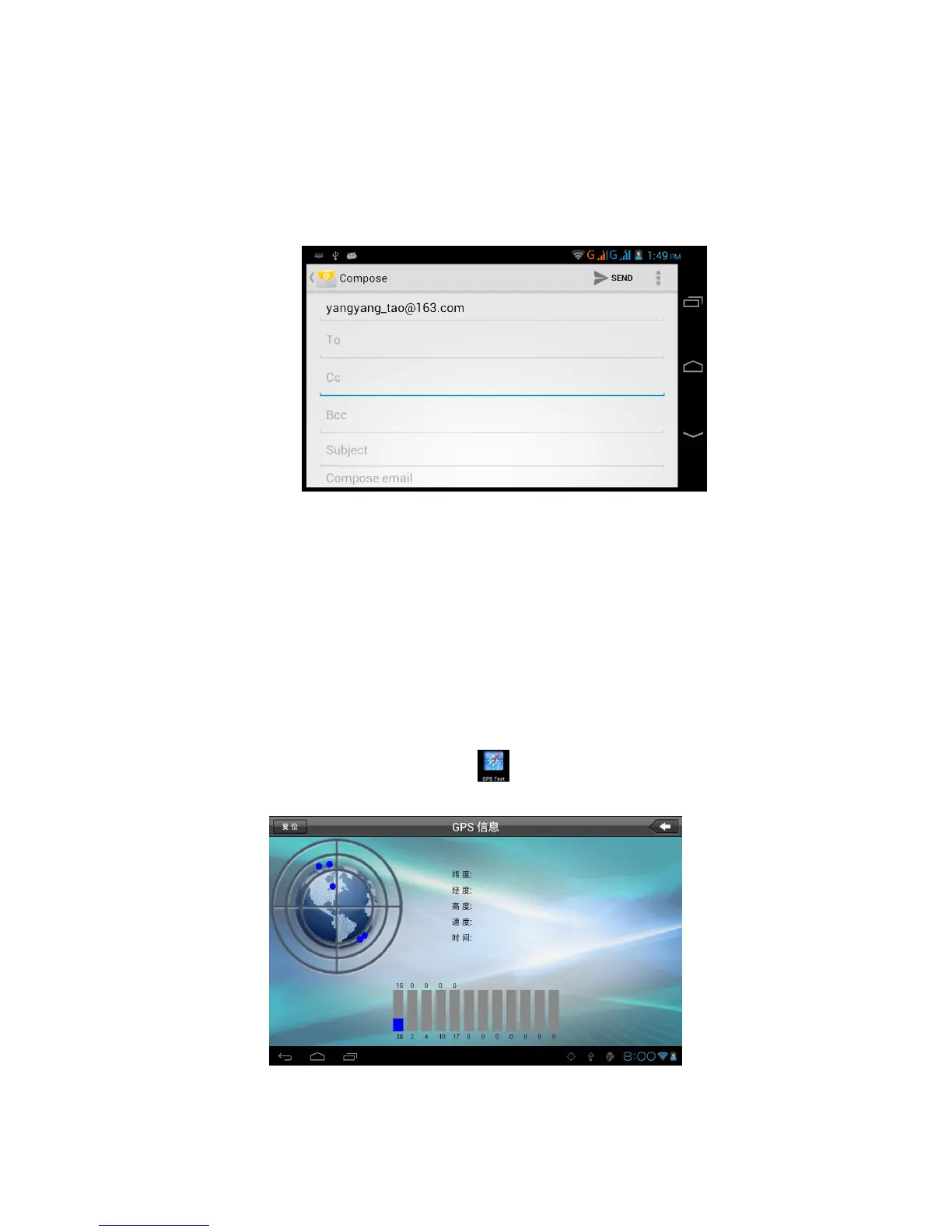
5. Input the receiver’s email address.
6. Input the subject and email content.
7. If you want to add attachment, click menu key, the menu
popup.
8. Click “Attach file” (photo,music, video,contacts).
9. Click “send” to send the email out.
Picture 7.3
GPS FUNCTION
8.1 GPS Navigation
1.Map of the third parties is required for MID internal GPS satellite
signal receiver positioning, after installation the device can accurately
implement traffic real-time navigation, meet the needs of outdoor
navigation.
2. Enter into setting interface, click icon, enter into below picture 8.1
Picture 8.1



 To Next Page