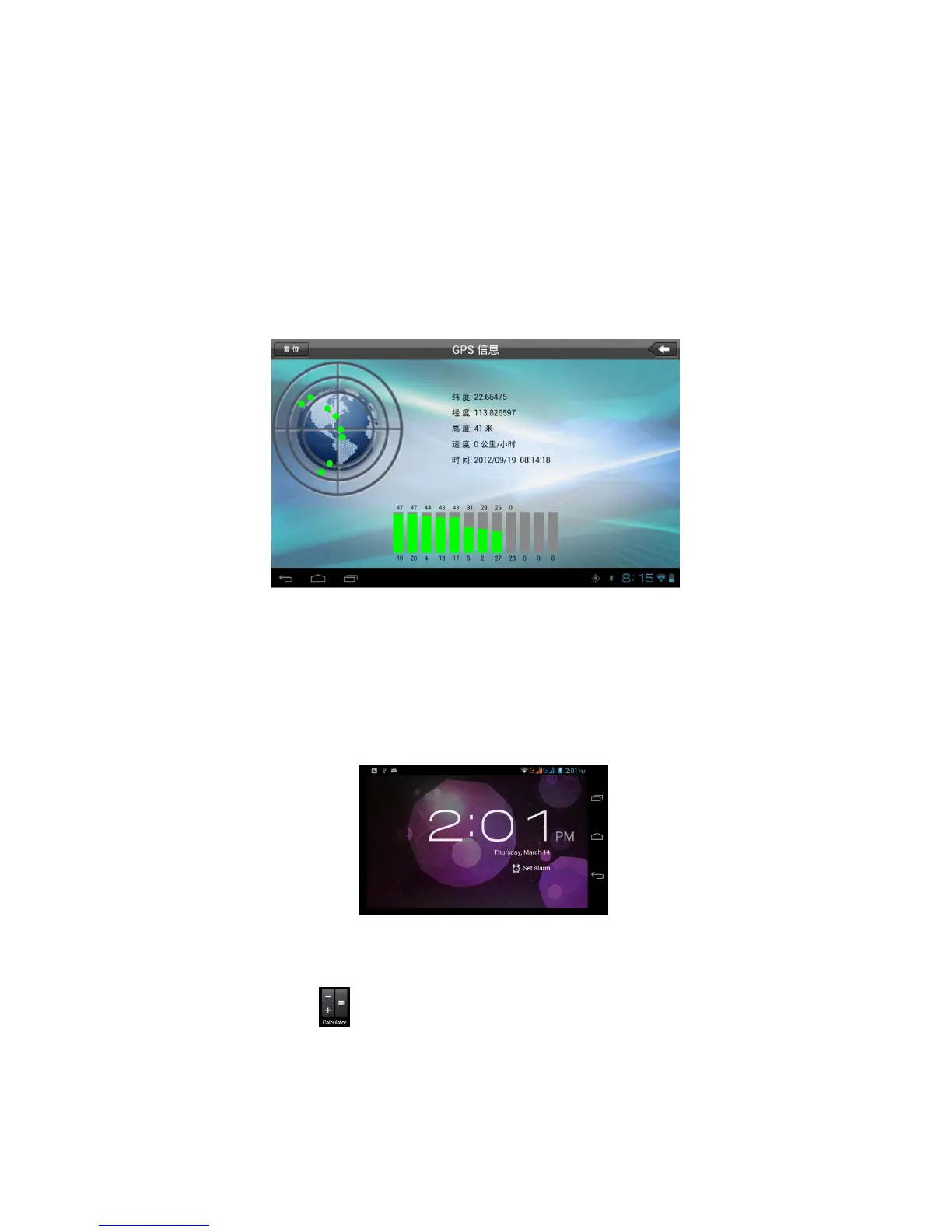
When positioning successfully, the blue parts will turn to green color,
and it shows the latitude, longitude, height, speed, and the time of
your location. As Picture 8.2
The value indicates the signal strength, the positioning time is
relavant to time zone in your setting, if the time is not inconsistent
with real time in your location, please check the time zone in your
setting is correct or not.
Picture 8.2
9 Other Application Procedures
9.1 Clock
Click Clock procedure, enter into below interface as Picture 9.1.
There are clock, picture, music and homepage buttons.
Picture 9.1
9.2 Calculator
1. Click .
2. Enter into the basic board of calculator.
3. Soft touch the numbers or operator in calulator to
calculate.



 To Next Page