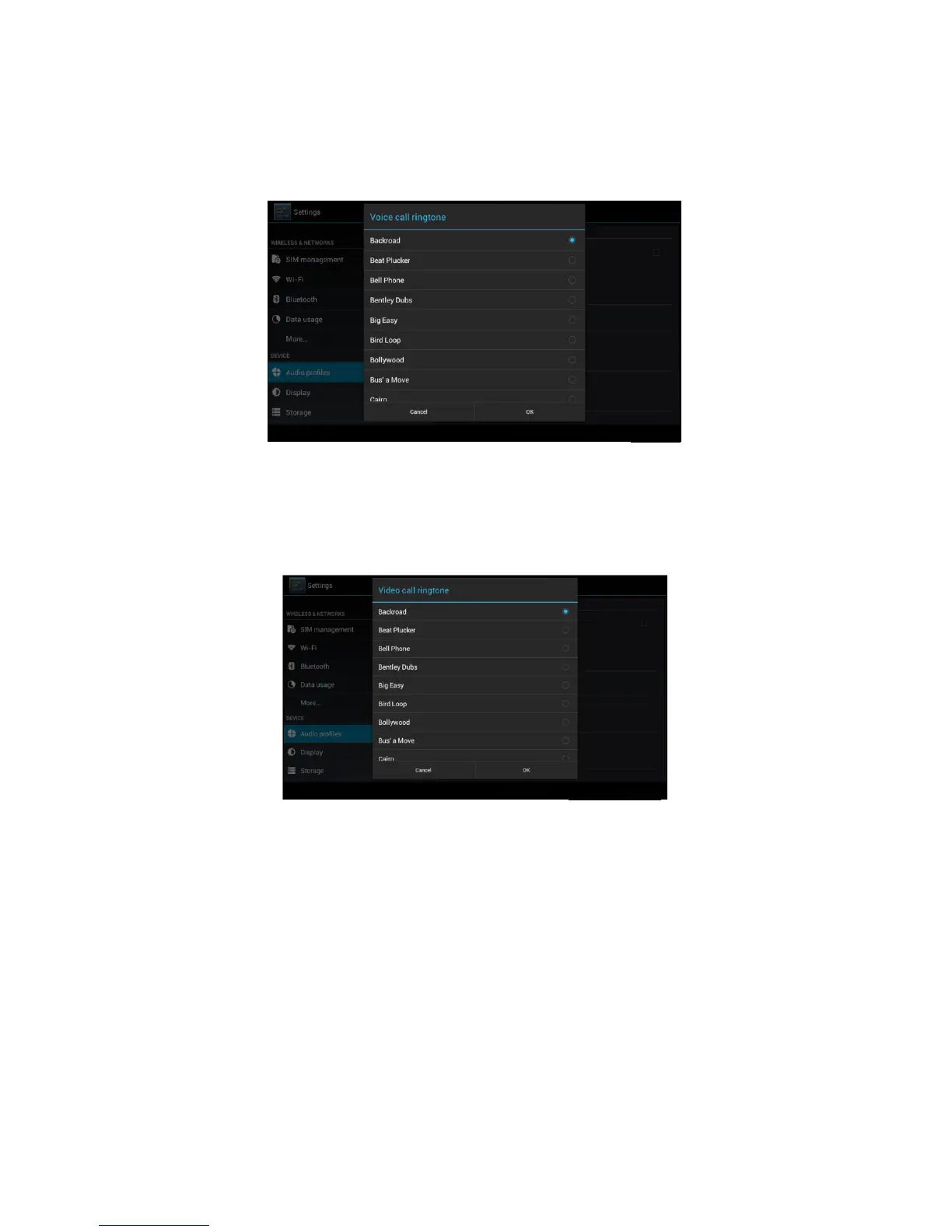
3. Voice call Ringtone
In picture 4.27, click voice call ringtone to choose voice call
ringtone, as Picture 4.29
Picture 4.29
4. Video call ringtone
In Picture 4.27, click video call ringtone to choose video call
ringtone, as Picture 4.30
Picture 4.30
(Note: Except standard, silent, meet, outdoor are only for selection,
they can’t be set.)
4.7 Display
4.7-1 Adjust the screen brightness
1 . Click Setting application procedure.
2. Click display, choose brightness,
3. Drag the portlito to adjust the brightness volume.As Picture
4.31



 To Next Page