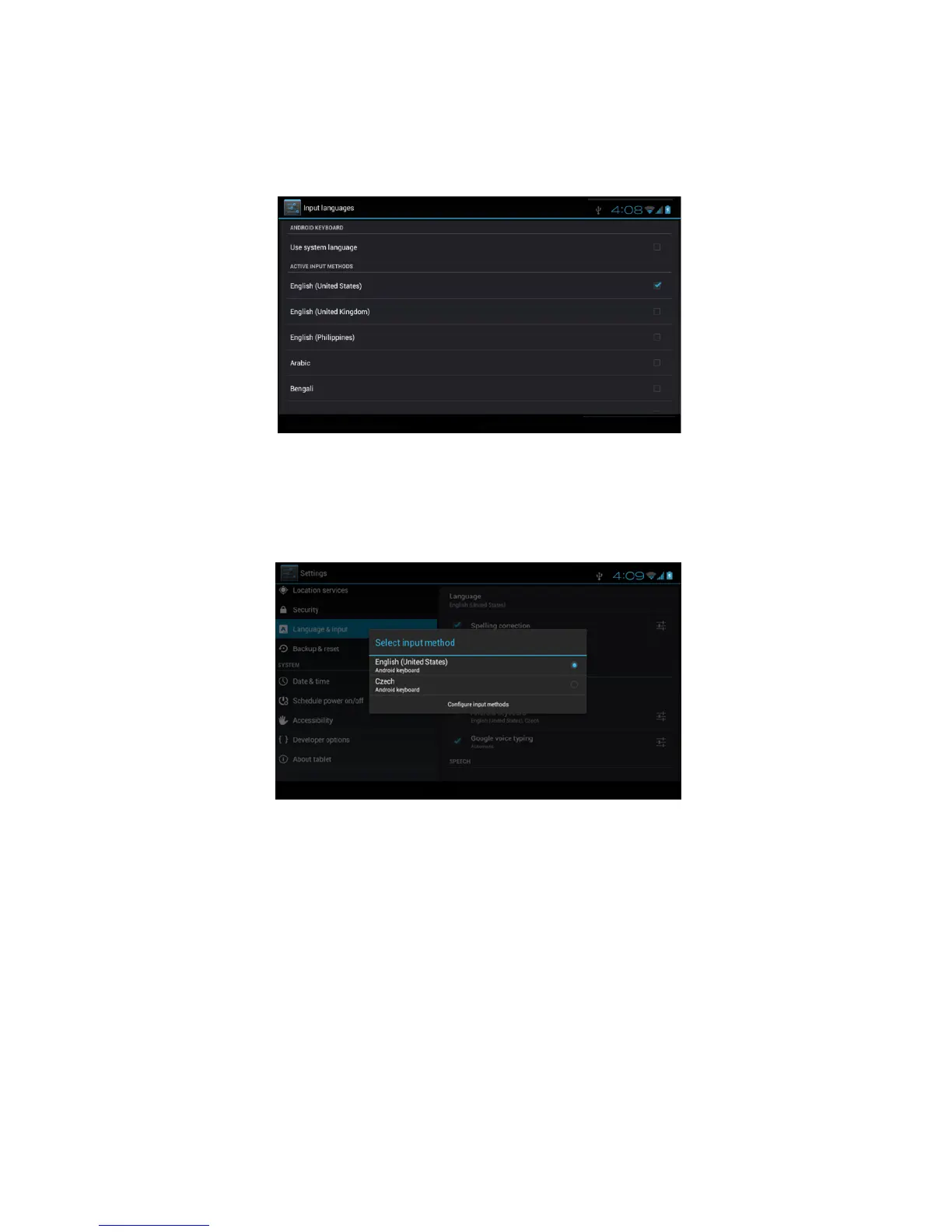
Choose the language you want to change in the language list, as
Picture 4.57
Picture 4.57
Return to langauge and input method, click default, as Picture 4.58,
select input method you want to use
Picture 4.58
4.14 Backup and Reset
Connect WIFI and login your google account, choose backup my
data, system will backup your data into google server.
If you need to recovery factory reset, please click reset, as Picture
4.59, if you need to formulate NAND, please click reset tablet.



 To Next Page