Picture 4.47
4.12 Location service
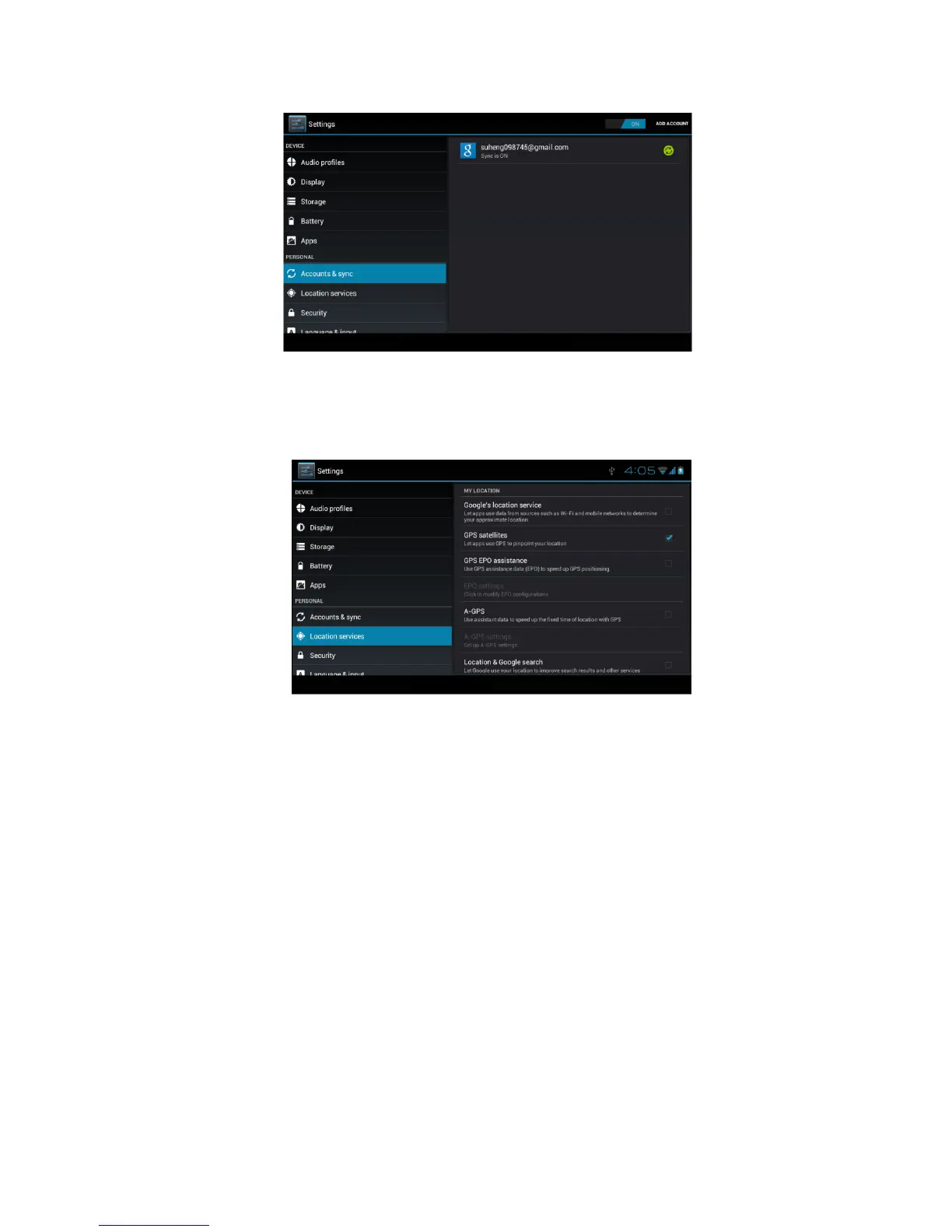
Click setting, select location service, as Picture 4.48
Picture 4.48
1. Google’s location service
Open Google location service, you can use WIFI to positioning
MID.
2. GPS satellites
Open GPS satellite, you can use GPS to positioning MID.
3. GPS Assistance
Open GPS Assistance, it can insrease the speed of GPS
positioning, but you need to insert SIM card and use data
transimission.
4. A-GPS
After opening A-GPS, you can inscease positioning speed
through network.
5. A-GPS settings



 To Next Page