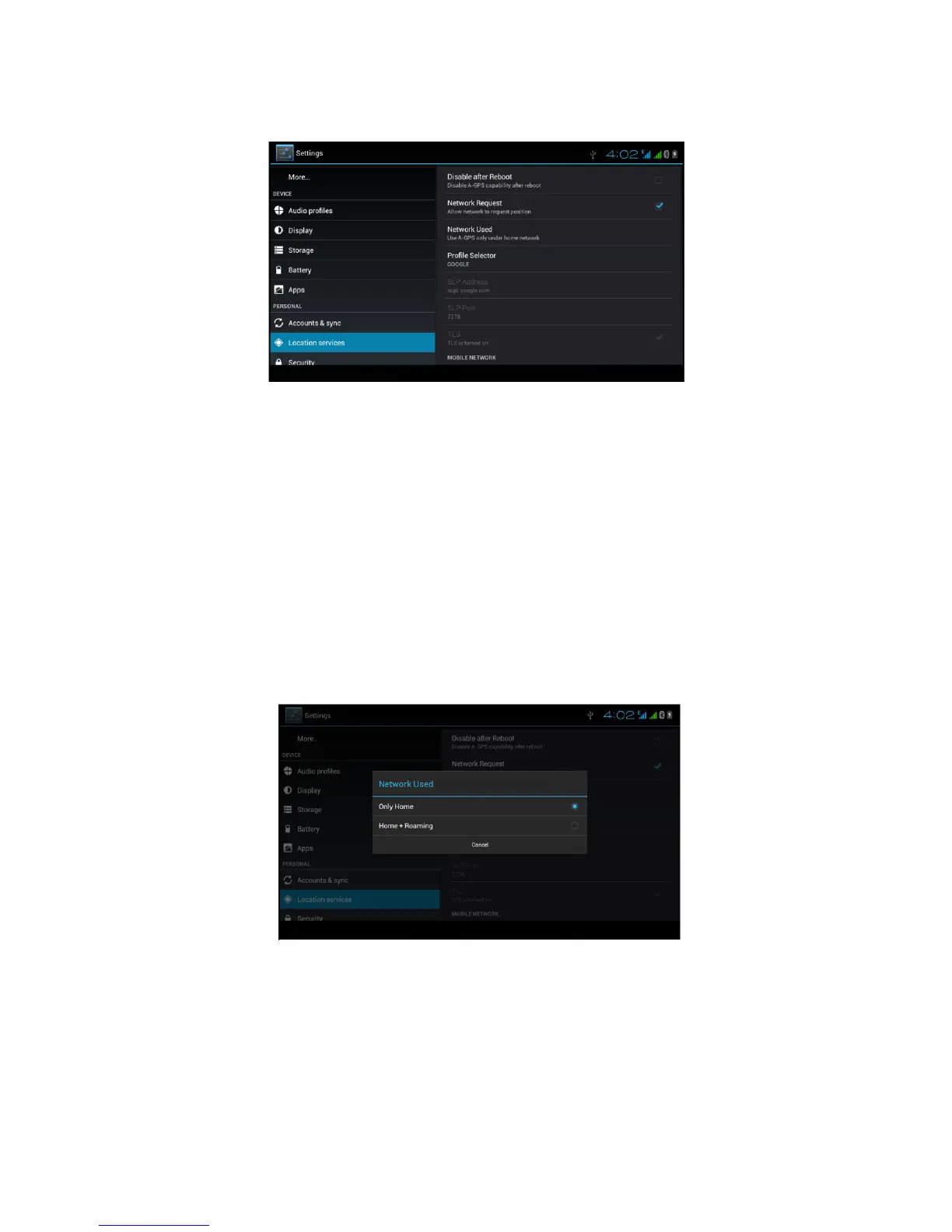
Click A-GPS setting, enter into Picture 4.50
Picture 4.50
4. Disable after reboot
Click disable after reboot, when you reboot your MID, A-GPS
will auto turn off.
5. Network Request
Click network request, MID can get your location through
network.
6. Network used
Open network used, you can choose network type, as Picture
4.51
Picture 4.51
4. Server
Click server, it can switch location service, as Picture 4.52



 To Next Page