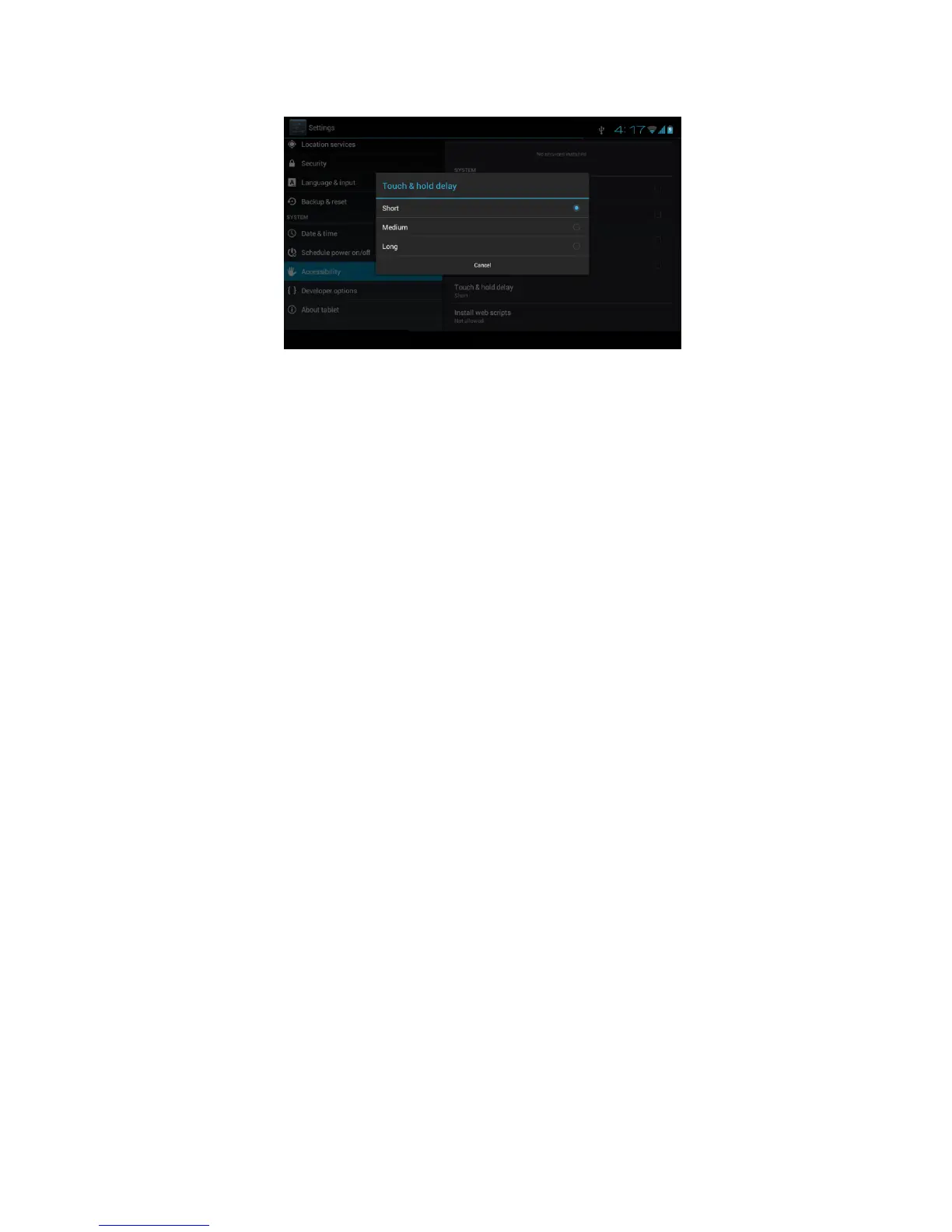
Picture 4.62
4.18-4 Install webpage script
It will allow you install webpage scrip when you open system,, but
it will increase the risk when you are browsing webpage.
4.19 Engineer Selection
4.19-1 USB adjustment
After opening USB adjustment, you can use some software to read
MID software, but when USB adjustment is turned on, USB storage
needs to manual adjust.
4.19-2 Keep awaken state
If you open keep awaken state, it wll never auto sleep when your
MID is charging.
4.19-3 Pointer Location
If you open pointer location, it will display touch vertical and
horizontal direction.
4.19-4 Show touches
If you open display touch screen operation, it will display touch
opeation on the screen. It is suggested to use with same direction as
pointer location.
4.19-5 Show screen update
If you open screen refresh, it will display related area when the area
is refreshing.
4.19-6 Show CPU usage
After open CUP usage, in the right top of MID will show CPU usage
situation.as Picture 4.63



 To Next Page