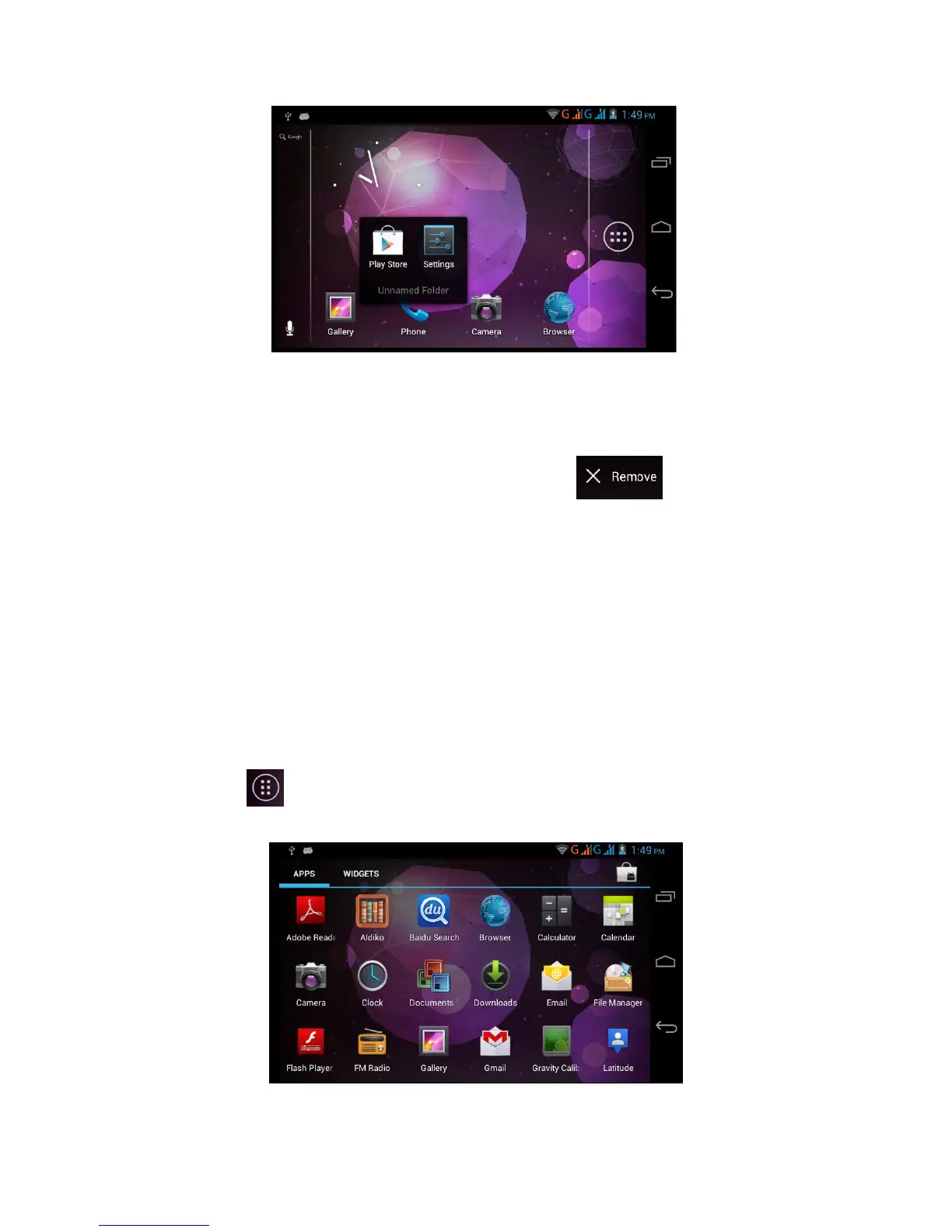
Picture 3.5
Remove the icons in desktop
1. Long press the icons need to be remove, then on the right
above of the screen, it will appear icons.
2. Drag the icon to the above of the remove icon, till the icon
become red, then move your finger to delete the icon.
Change the wallpaper of desktop
1. In home page, long press any blank space in main
screen, it will popup a window to change the wallpaper.
2. Click the gallery or wallpaper gallery to select the
wallpaper.
3.6 Visit Application Procedures
Click in right top of Picture 3.2, enter into main interface as
Picture 3.6, choose the application procedure you want to visit.
Picture 3.6



 To Next Page