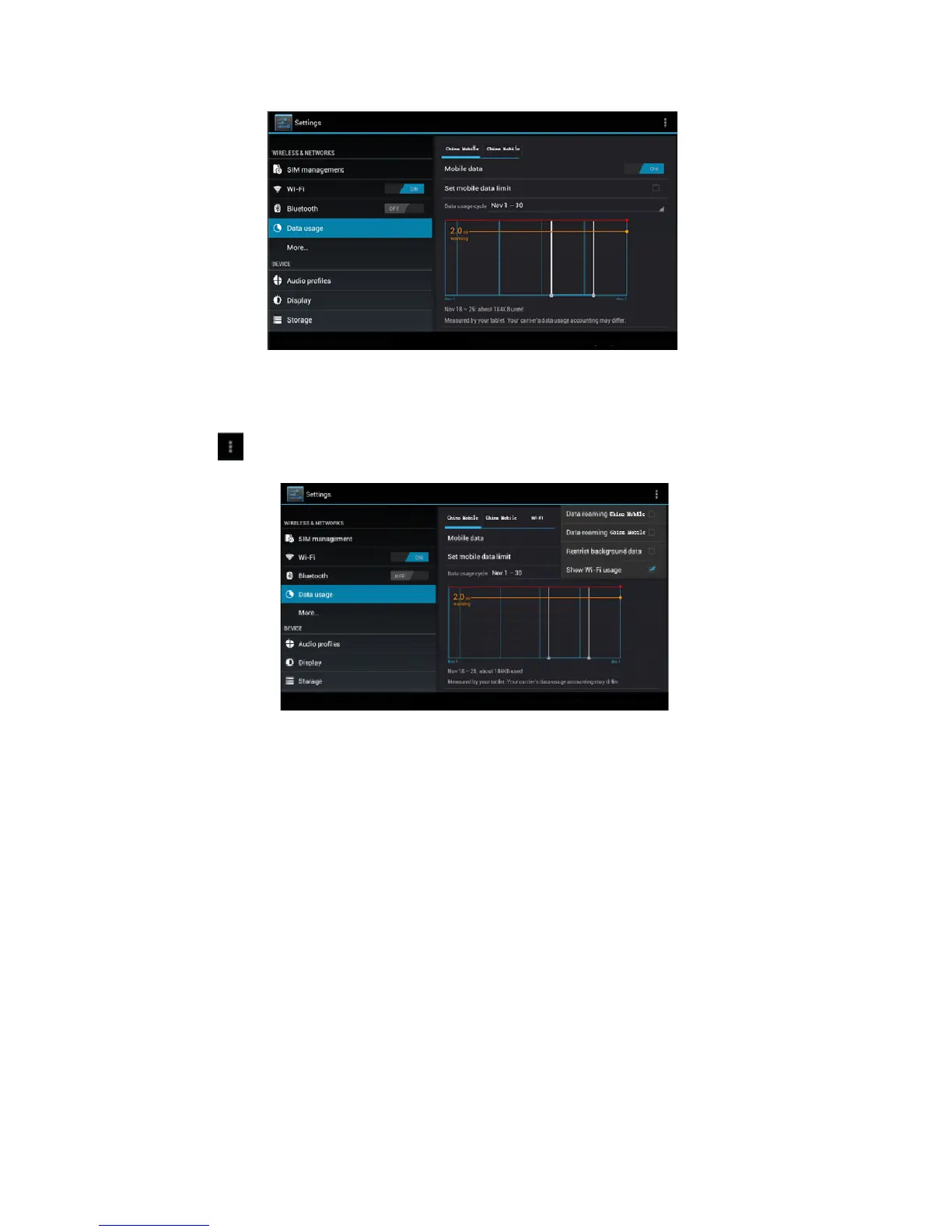
Picture 4.15
Check WIFI data usage
Click icon in right top of Picture 4.15, click Data Usage, as Picture 4.16
Picture 4.16
4.5 More
4.5-1 Airplane Mode
Airplane Mode can turn off WIFI and GSM card function quickly, when
airplane mode is turned on, WIFI and GSM can’t get any signal, then
airplane mode is turned off, WIFI and GSM module will recover to
previous state.
4.5-2 VPN
Open VPN, click add VPN network, as Picture 4.17. Input name and
server address, then save.



 To Next Page