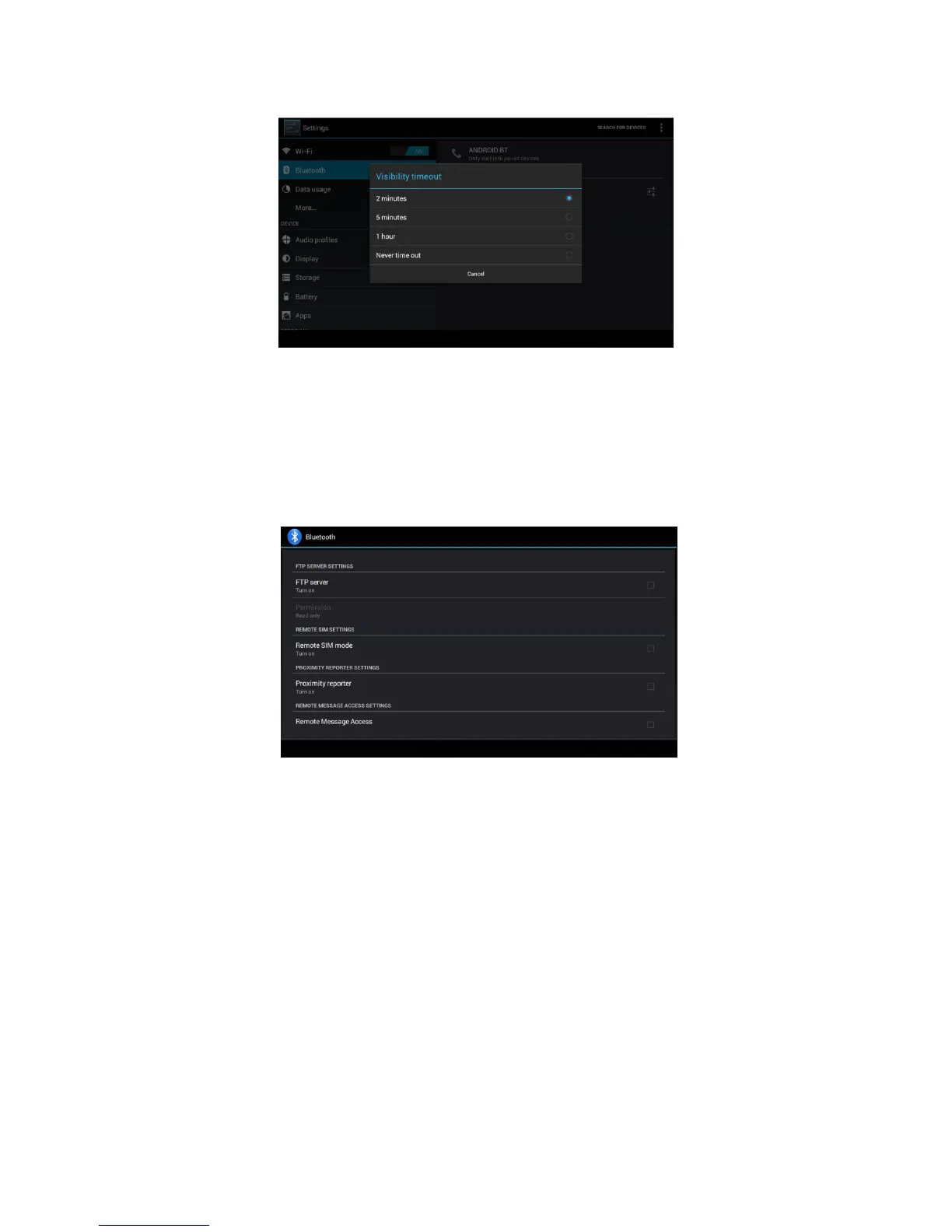
Picture 4.13
Display the file you received
Choose display the file you received in Picture 4.12, you can view download and
upload files.
Bluetooth advanced setting
Choose Bluetooth advanced setting in Picture 4.12, enter into Picture 4.14
Picture 4.14
1. File transmission: Open file transmission service, Connect
Bluetooth FTP and customer device to visit and operate the file.
2. Bluetooth distance induction device
Open Bluetooth distance induction device, when two Bluetooth
devices distance is quite far or connection is cut off, the Bluetooth will
remind you with sound.
4.4 Data Usage
Check SIM card data usage, as Picture 4.15



 To Next Page