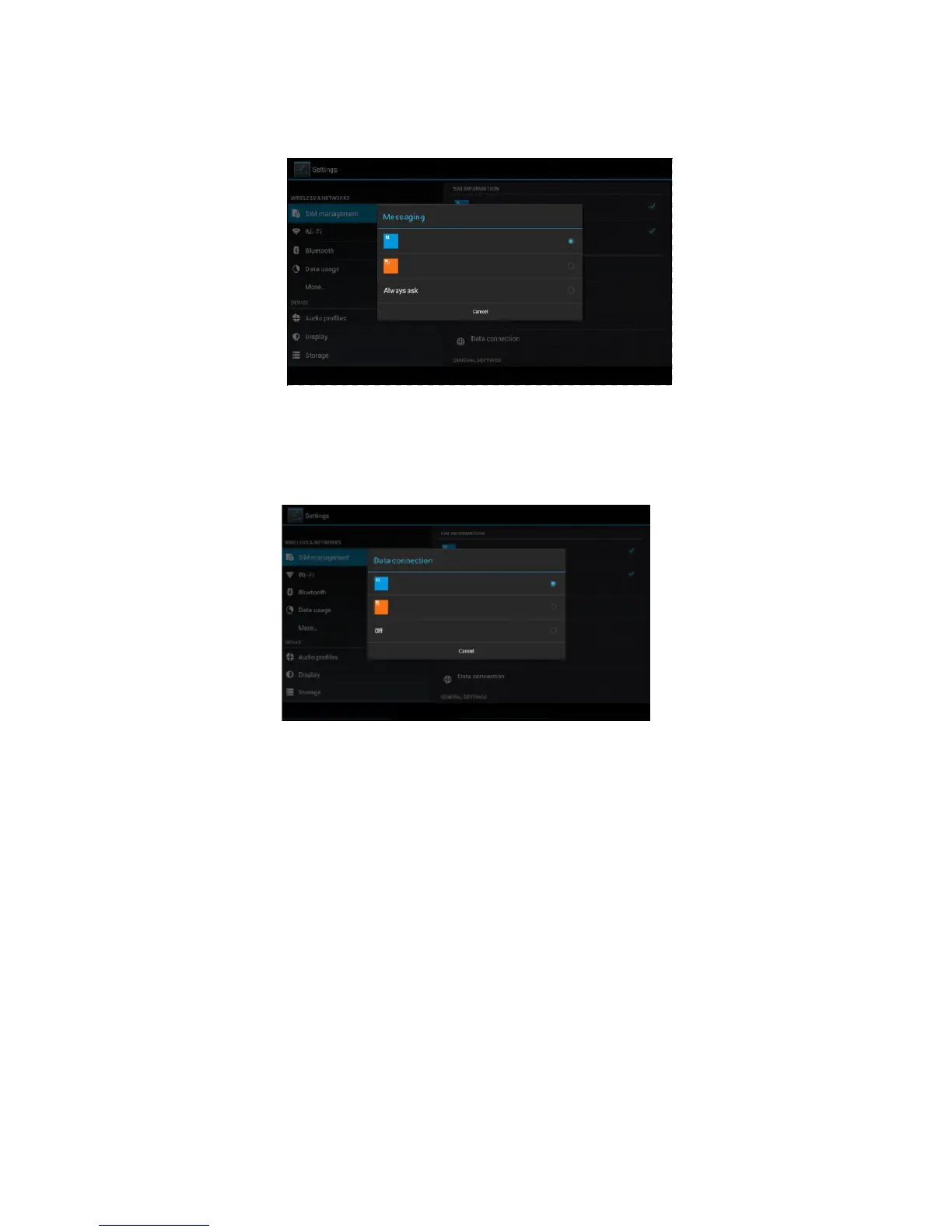
choose the defaulted SIM card when sends message, as Picture 4.4
Picture 4.4
4.1-4 Data Connection
Click setting application in main menu, choose SIM management,
click data connection, choose the defaulted SIM card, as Picture 4.5
Picture 4.5
4.2 Wireless and Internet
1. Connect Wi-Fi
1) In the main menu or interface, choose setting application
procedure.
2) Click WLAN, open wifi, MID will automatically search the
available Wifi wireless internet. As Picture 4.6
3) Choose the Wi-Fi internet you want to connect, if it has
password, it will popup the password window, enter
password, click connect.



 To Next Page