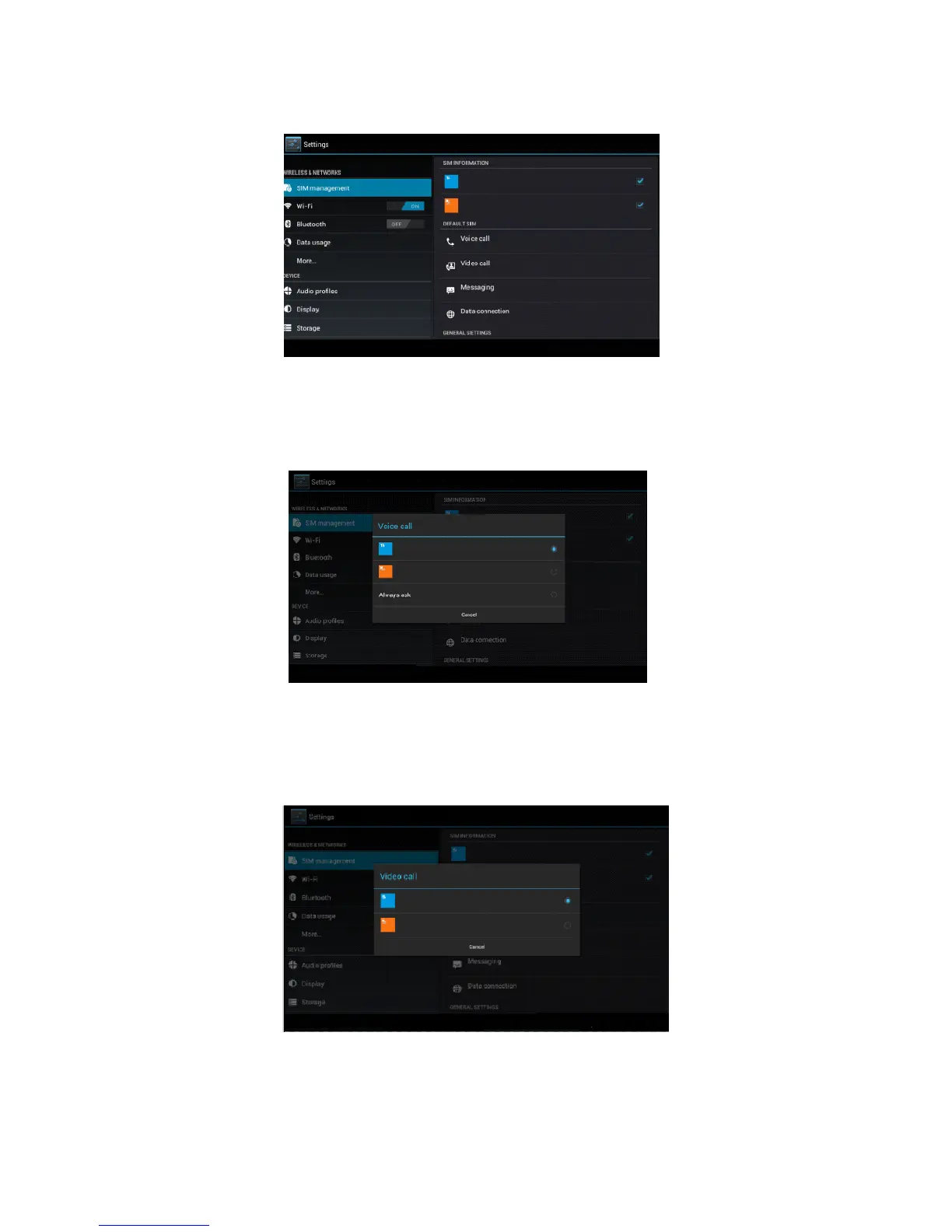
Click settings in main menu, choose SIM Management, as Picture 4.1
Picture 4.1
Click voice call, choose defaulted SIM card, as Picture 4.2
Picture 4.2
4.1-2 Video Call
Click settings in main menu, choose SIM Management, and click video
call, choose defaulted SIM card when makes video call, as Picture 4.3
Picture 4.3
4.1-3 Message
Click settings in main menu, choose SIM Management, click message,



 To Next Page