4.5-4 Mobile Networks
1. 3G service
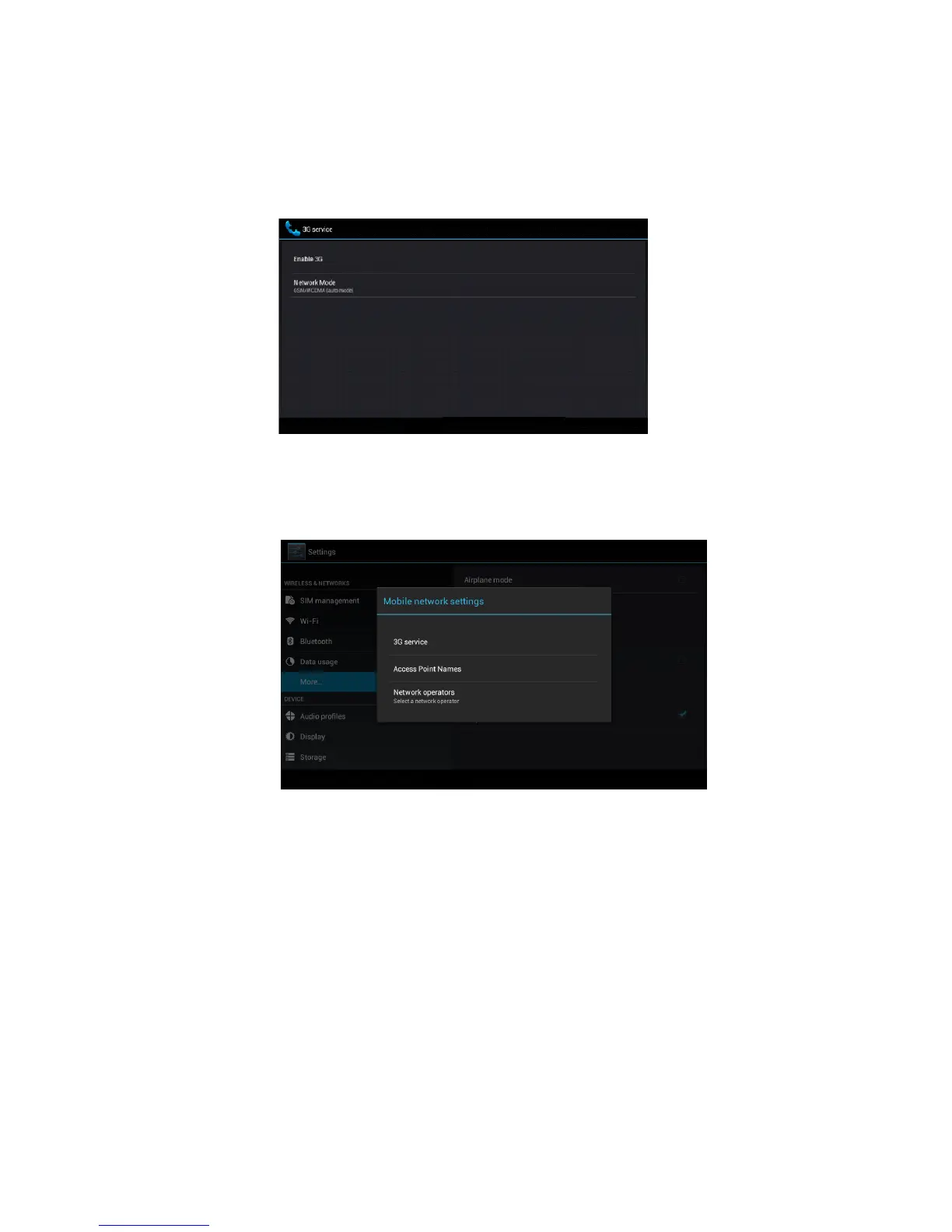
Click 3G service, as Picture 4.22, choose available defaulted SIM card,
GSM is 2G network, WCDMA is 3G network.
Picture 4.22
2. Access Point Name( APN)
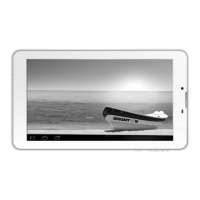
Click mobile network, as Picture 4.23
Picture 4.23
Choose access points name (APN), choose SIM card you need to
connect,
Choose connect type, as Picture 4.24


 To Next Page