6
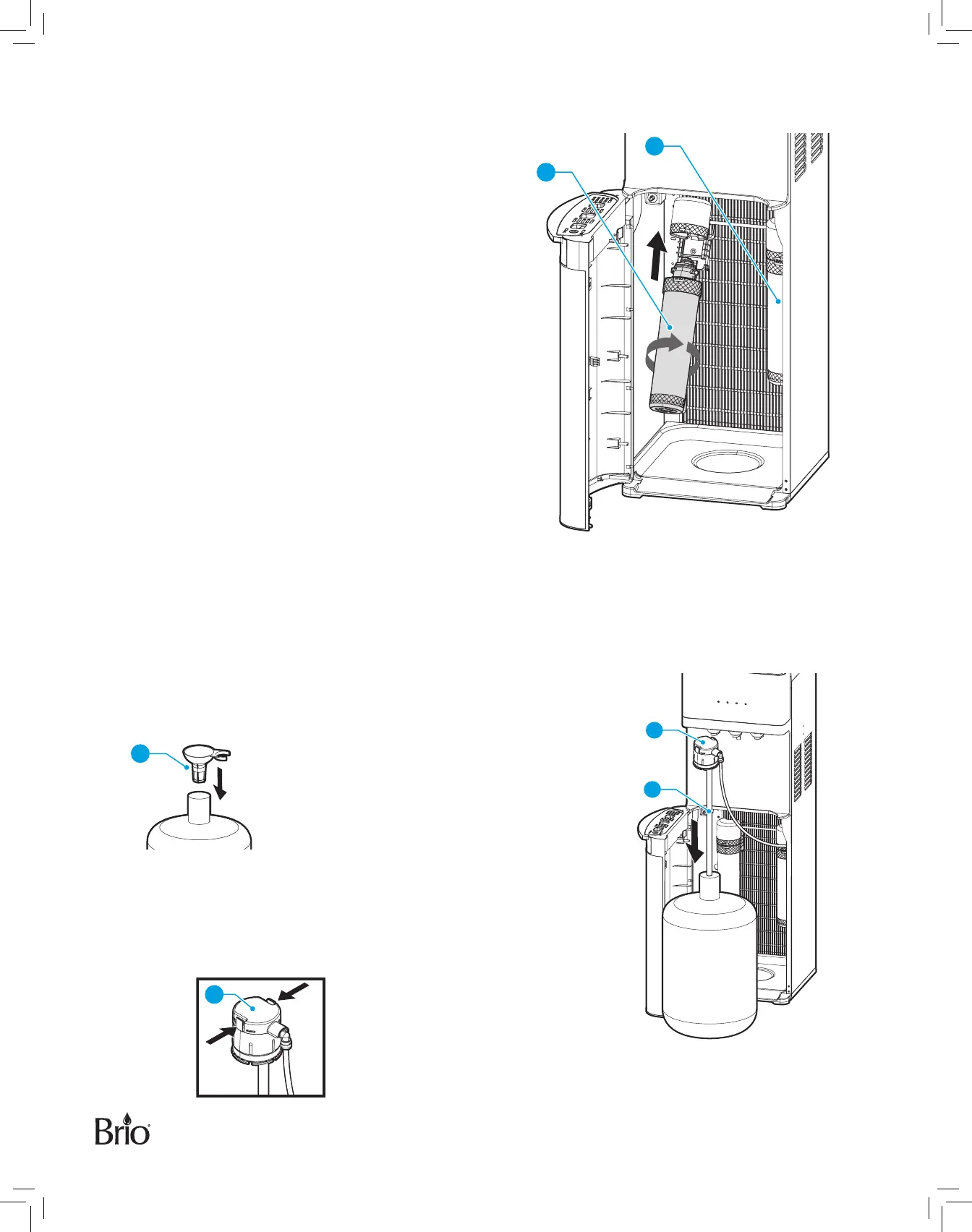
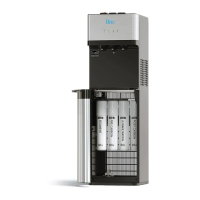
3� Install the filters
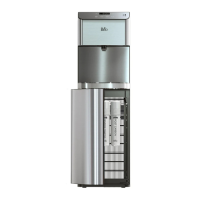
Twist each filter (parts 16 and 17) clockwise into the filter
housings located inside the dispenser cabinet. The
sediment filter (part 16) goes on the left, the carbon filter
(17) goes on the right.
16
17
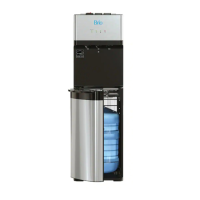
4� Connect a Water Bottle
IMPORTANT: To prevent dry heating, do NOT turn the red hot-water and green cold-water switches on the
back of the unit to the On position until you complete the steps in this procedure.
A� Clean the top of your own 5-gallon water bottle (purchased
separately) with a clean cloth and fill with tap water. Use the
funnel (24), if necessary.
B� Open the water bottle cabinet door and feed the bottle adapter
tube (15) into the water bottle. Ensure the bottle adapter tube
hits the bottom of the bottle.
C� Fasten the bottle adapter (13) over the neck of the water bottle
and press securely into place.
24
13


 To Next Page