ALTA EVOLUTION / EVOLUTION GT … User manual
ALTA EVOLUTION / EVOLUTION GT
DEFINING A DRILLING PATTERN 3.3.7.
3.3.7.1. AUTOMATICALLY DETECTING THE DRILLING PATTERN
This screen is displayed automatically once the Gravitech
TM
optical plotter has been confirmed.
(See chapter 3.3.5.1.6 Bridge value)
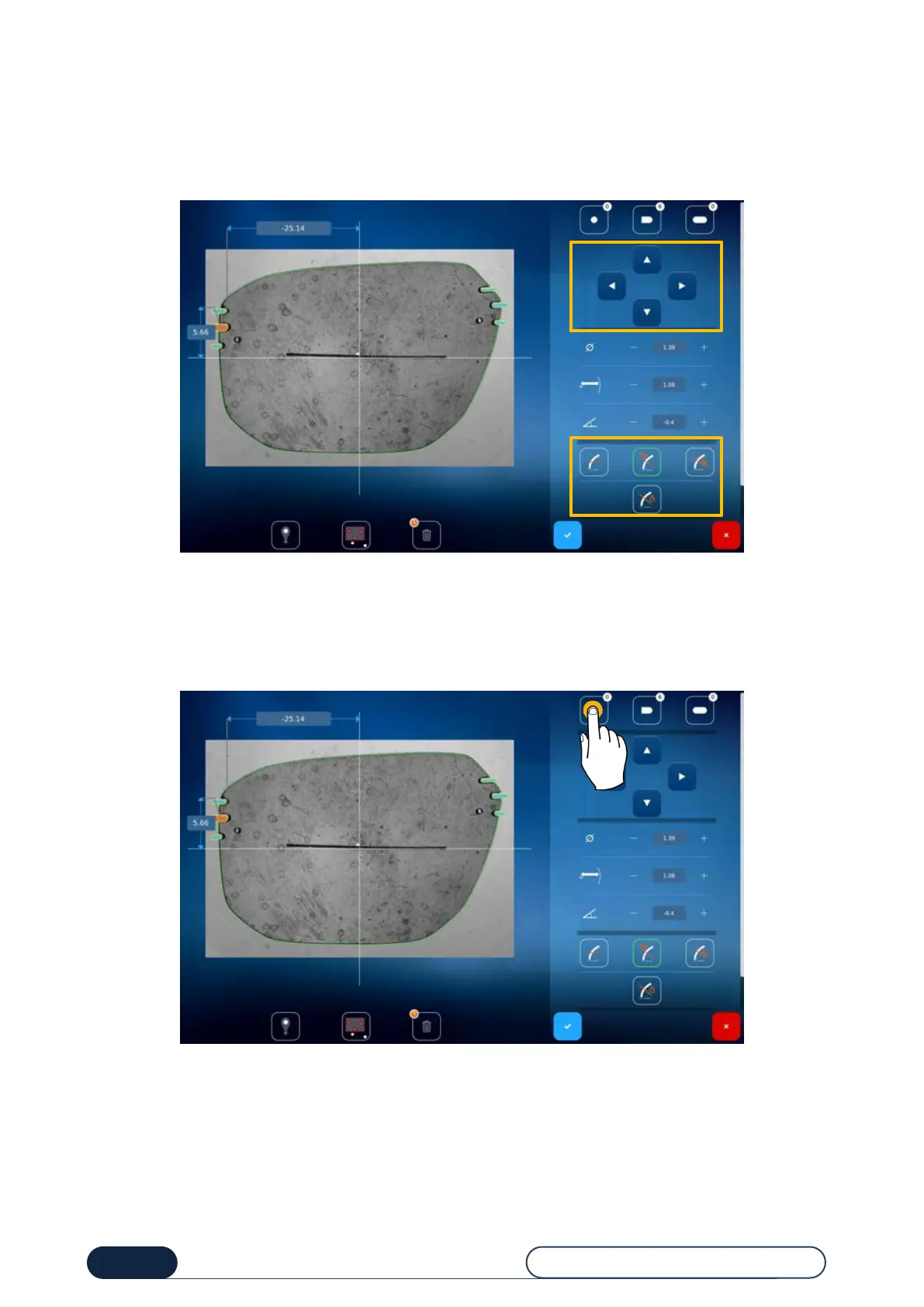
3.3.7.1.1. ADDING A SINGLE HOLE
To add one or more holes, just press the desired type and then press the screen to position it.
Tip ! A counter on the right of each icon indicates the number of holes placed.
Delete
one hole (short
press) or all the
holes (long press)



 To Next Page