ALTA EVOLUTION / EVOLUTION GT … User manual
1
ALTA EVOLUTION / EVOLUTION GT
3.3.7.1.2. CHANGING THE COORDINATES ORIGIN
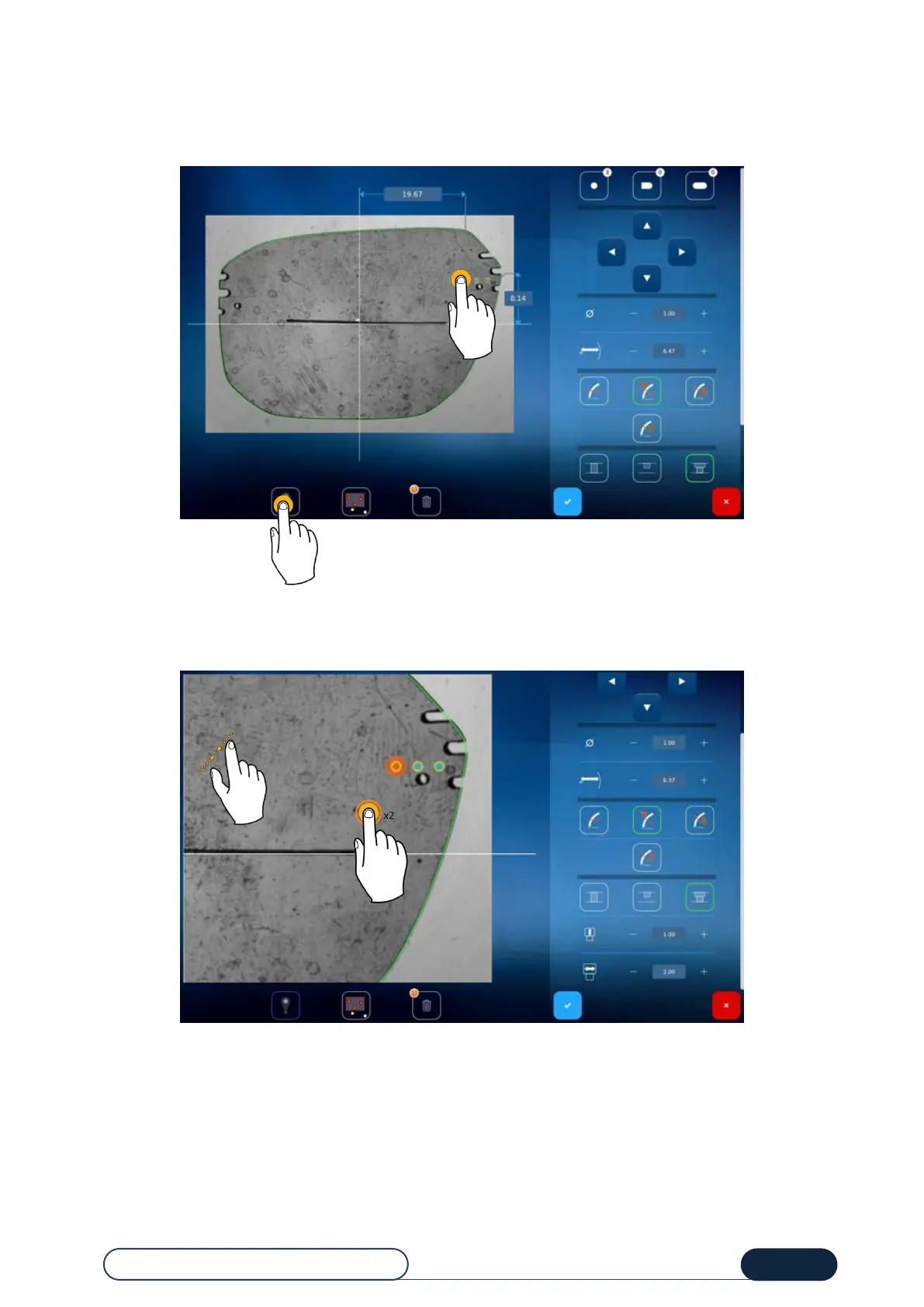
To choose you hole as a coordinate system origin, follow this procedure:
Press the icon (1) and then the hole to be used as a reference (2).
Tip! To return to a centered origin, press the icon again.
If you want enlarge or reduce the image size, you can double-click or pinch the screen before making your selection.
Zoom screen



 To Next Page