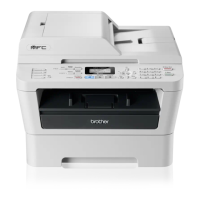
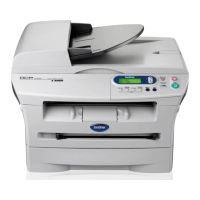
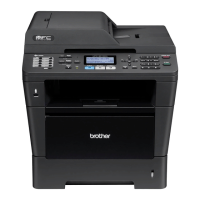
Brother PC-FAX Software (For MFC models)
120
Enabling PC-FAX Receiving software on your machine 6
You can optionally enable the Backup Print option. When enabled, the machine will print a copy of the fax
before the fax is sent to the PC or the PC is switched off.
For 5-line LCD models 6
a Press Menu.
b Press a or b to choose Fax.
Press OK.
c Press a or b to choose Remote Fax Opt.
Press OK.
d Press a or b to choose Fwd/Page/Store.
Press OK.
e Press a or b to choose PC Fa x Receive.
Press OK.
f Confirm the message.
Press OK.
g Press a or b to choose <USB> or your PC name if connected on a network.
Press OK.
h Press a or b to choose Backup Print:On or Backup Prin t:Off.
Press OK.
i Press Stop/Exit.


 To Next Page
 Loading...