Scanning
169
Scanning a document using the ICA driver
(Mac OS X 10.6.x or greater) 9
You can scan a document using the ICA driver. If you installed MFL-Pro Suite from the installer CD-ROM, the
ICA driver has been already installed to your Macintosh. If you don’t see your machine in the Print & Fax or
Print & Scan list, you can add your machine by clicking the + button.
The screens in this section are from Mac OS X 10.6.x. The screens on your Macintosh will vary depending
on your operating system version.
a Connect your Brother machine to the Macintosh using a USB cable. Or connect your Brother machine
to the same LAN (if you are using a network model) where the Macintosh is connected.
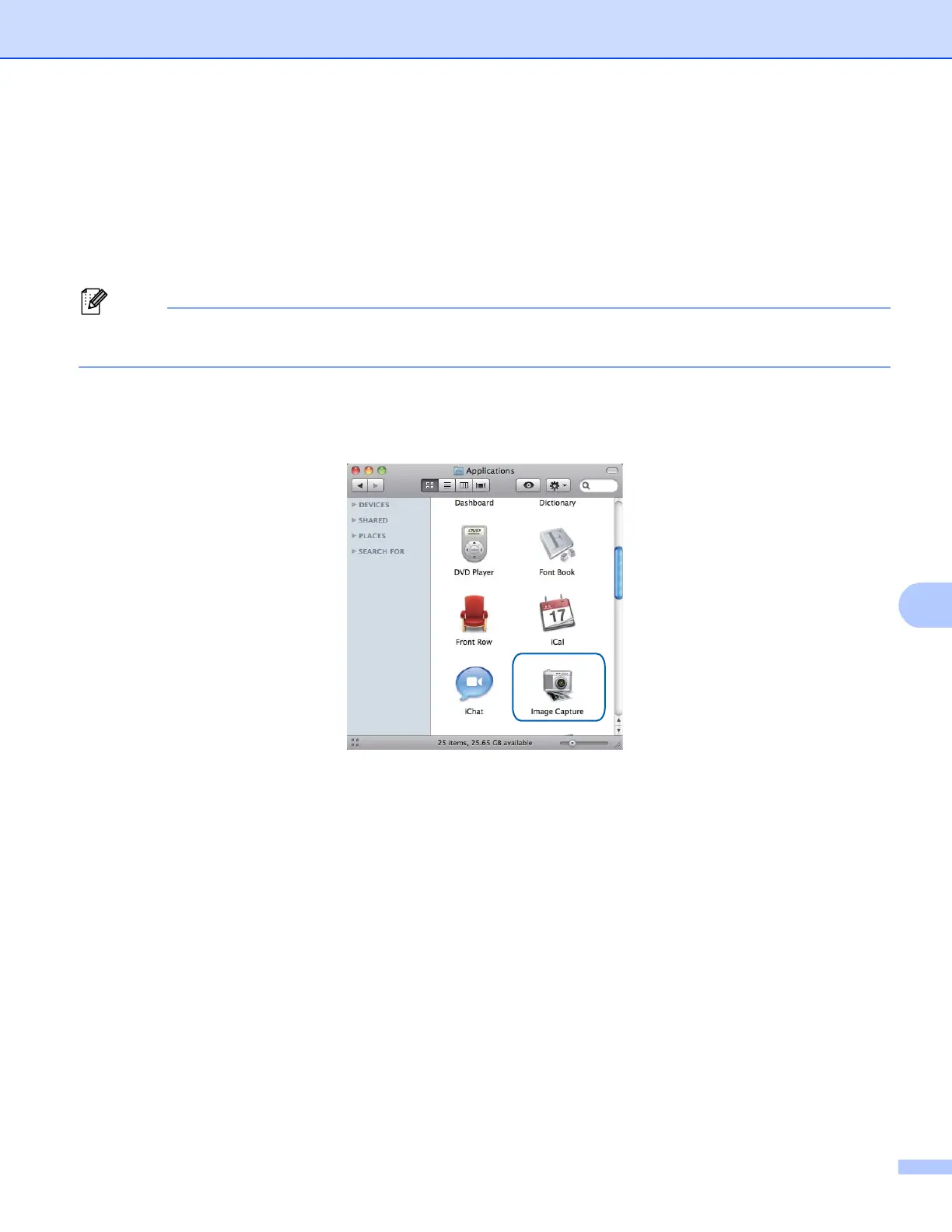
b Launch Image Capture.


 To Next Page
 Loading...