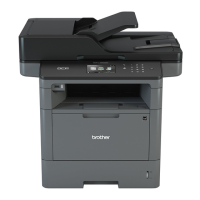
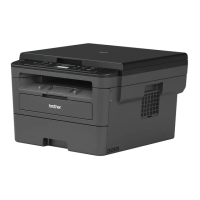
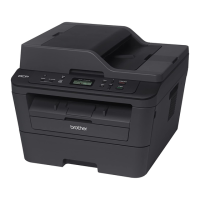
You have completed the wireless network setup. To install drivers and software necessary for operating your
device, insert the Brother Installation CD-ROM to your computer or go to your model's Downloads page on the
Brother Solutions Center at support.brother.com.
Related Information
• Configure Your Machine for a Wireless Network in Ad-Hoc Mode (For IEEE 802.11b/g/n)
Related Topics:
• How to Enter Text on Your Brother Machine
• Wireless LAN Report Error Codes
347


 To Next Page
 Loading...