Home > Network > Wireless Network Settings > Use Wireless Direct > Wireless Direct Overview
Wireless Direct Overview
Related Models: DCP-T420W/DCP-T425W/DCP-T426W/DCP-T428W
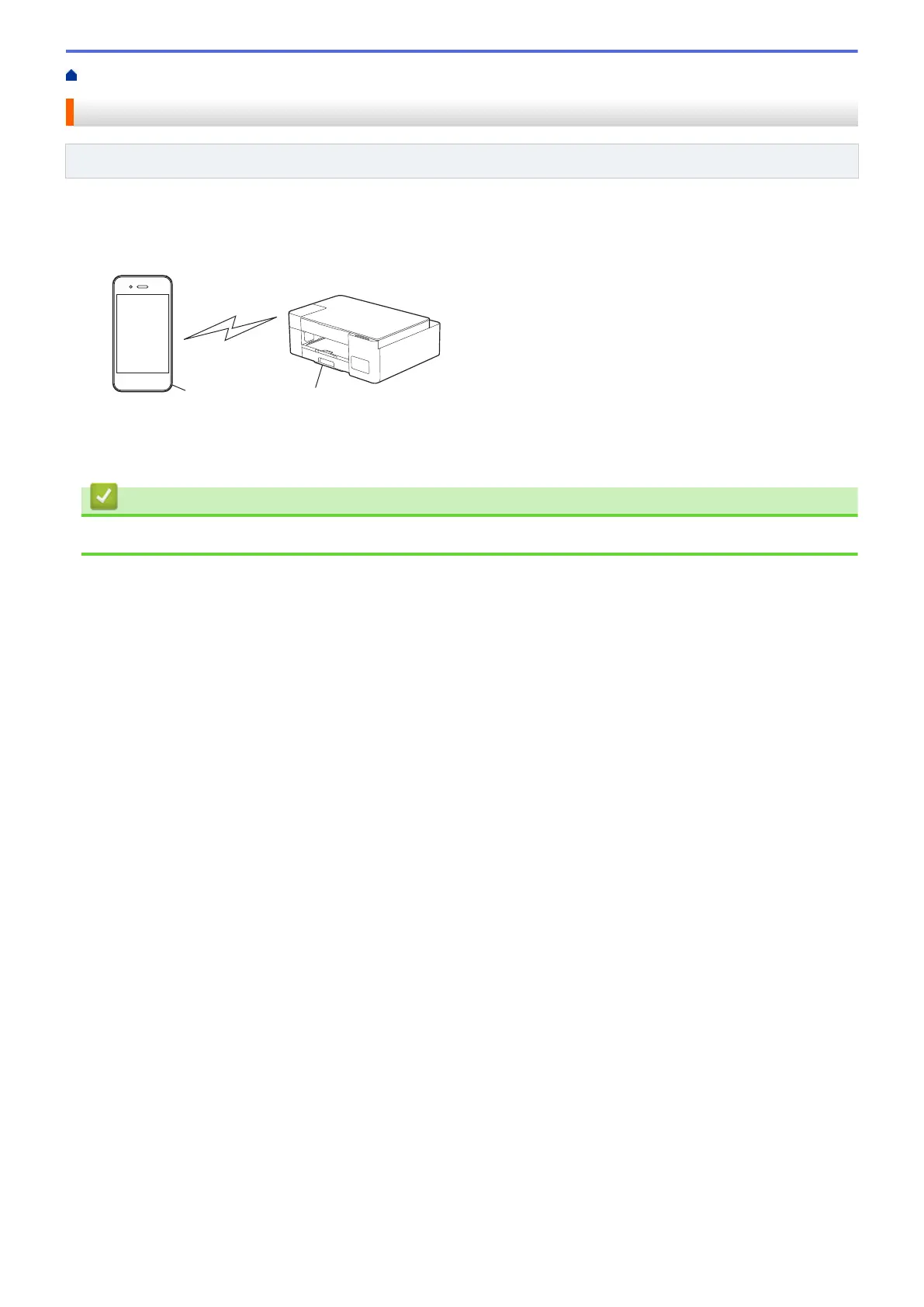
Wireless Direct allows you to configure a secured wireless network between your Brother machine and your
wireless device (computer, smartphone, tablet, or similar), without using a wireless router/access point. You can
configure a wireless network by manually setting a Network Name (SSID) and Network Key (Password).
1. Wireless device
2. Your Brother machine
Related Information
• Use Wireless Direct
112



 To Next Page
 Loading...