4-23 Confidential
Problem Action to be taken
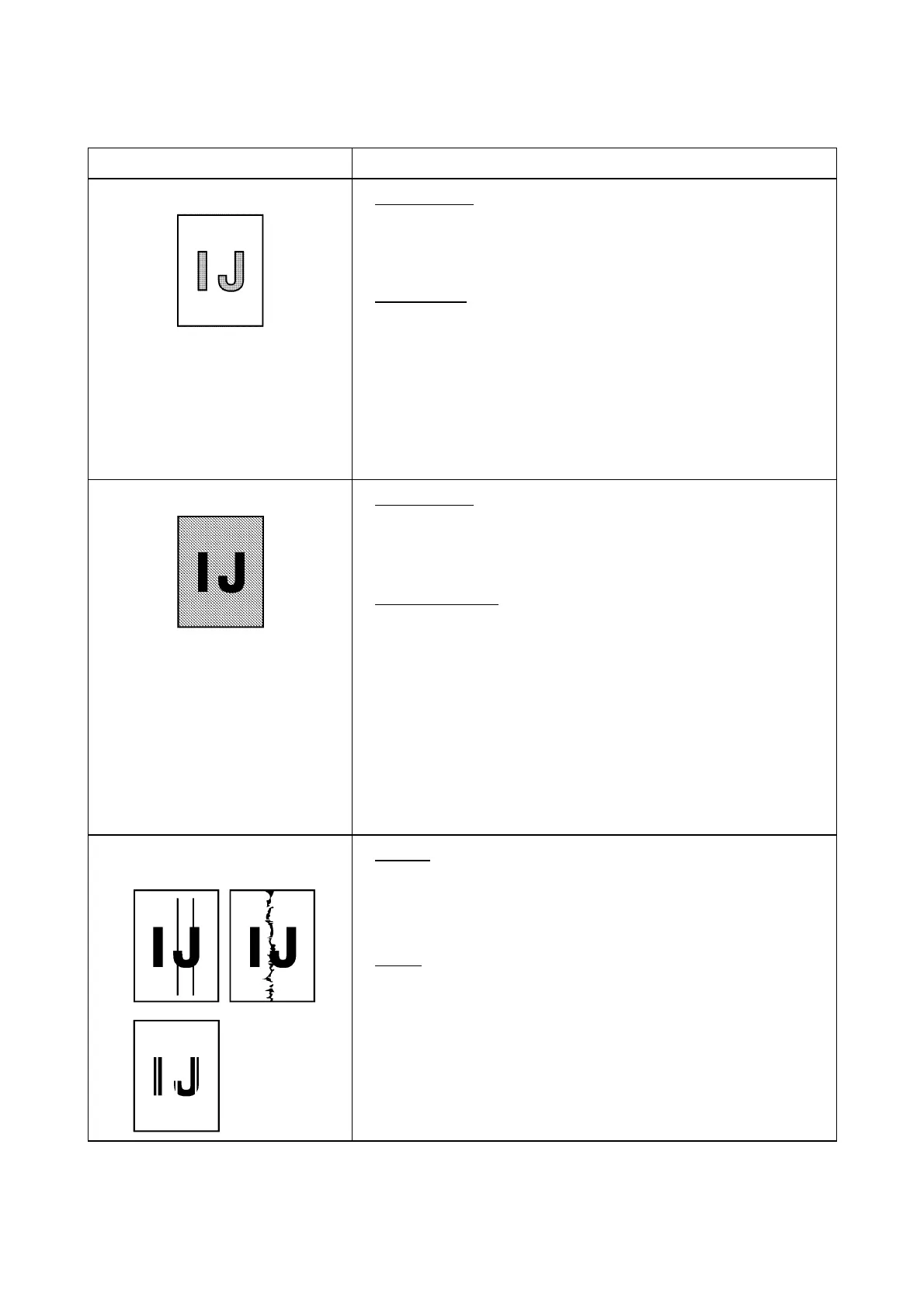
(4) Light
At the scanner
Check the following components:
- Scanner cover (CIS unit)
- Main PCB
At the printer
Check the following components:
- Ink cartridges
- Head/carriage unit and carriage PCB ASSY
- Main PCB
- Power supply PCB
- Head property info (Refer to Chapter 9, Section 9.4.16.)
- Maintenance unit
(5) Dark
At the scanner
Check the following components:
- Scanner cover (CIS unit)
- Main PCB
At the printer side
• Perform the purging operation (Function code 76) several
times to remove dust or air bubbles from its nozzles. If the
problem persists, replace the head/carriage unit. (Refer to
Chapter 9, Section 9.4.20.)
Check the following components:
- Ink cartridges
- Head/carriage unit and carriage PCB ASSY
- Main PCB
- Power supply PCB
- Head property info (Refer to Chapter 9, Section 9.4.16.)
- Maintenance unit
(6) Straight or blurred vertical
stripes
Scanner
Check the following components:
- Scanner cover (CIS unit)
- Scanner glass
Printer
• Check whether paper is coming into contact with any
components other than the ones it should during ejecting.
• Check the CR encoder strip for stains or scratches. (If the CR
encoder strip is not hooked properly, correct it.)



 To Next Page