4-1 Confidential
4.1 ERROR INDICATION
To help the user or the service personnel promptly locate the cause of a problem (if any), the
machine incorporates the self-diagnostic functions which display error messages for equipment
errors.
4.1.1 Equipment Errors
If an equipment error occurs, the machine shows the error message on the LCD. For the error
messages, see [ 1 ] below.
To display detailed error information, use Function code 82 described in Chapter 9, Section 9.4.22
(that is, make the machine enter the maintenance mode and then enter 8 and 2 using the
/ and
OK keys). Following the MACHINE ERROR, one of the error codes listed in [ 2 ] will appear on
the LCD.
[ 1 ] Error messages appearing on the LCD
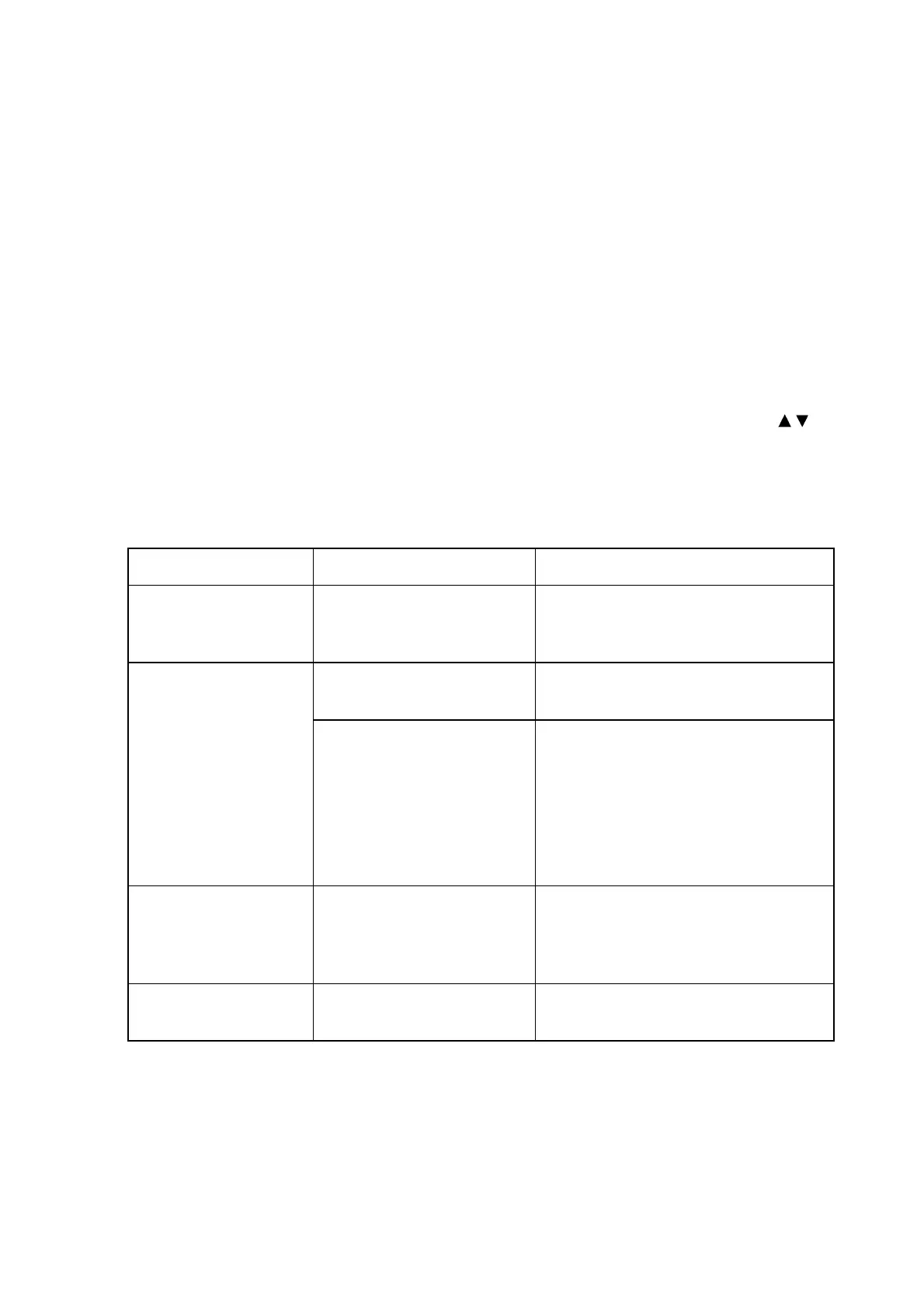
Error Message Cause Action
Cover is Open The scanner cover (scanner
unit) or ink cartridge cover
is not closed completely.
Lift the scanner cover and then close it
again.
Print data is left in the
machine's memory.
Re-start printing from your computer. Data Remaining
Print data is left in the
machine's memory. The
USB cable was unplugged
while the computer was
sending the data to the
machine.
The computer hung up.
Press Stop/Exit. The machine will
cancel the job and clear it from the
memory. Try to print again.
Document Jam The document was not
inserted or fed properly, or
the document scanned from
the ADF was too long.
Remove the jammed document.
(Only for models with ADF.)
High Temperature The ambient temperature is
too high.
Lower the ambient temperature *
* When the ambient temperature is too high or low, the print quality may deteriorate.



 To Next Page