7-26 Confidential
[ 7 ] Acquire white level data and set CIS scanner area (Function code 55)
Refer to Chapter 9, Section 9.4.10.
[ 8 ] Set an ID code and update the head property information
NOTE: Make sure that the BHL2-Maintenance Printer driver has been installed to your PC. To do
it, click Start|Settings|Printers to call up the Printers window and confirm that the BHL2-
Maintenance Printer icon (shown on the sample window on page 7-5) is displayed. If the driver has
not been installed, install it referring to Section 7.1.2.
(1) Make sure that your PC is turned off, then connect the machine to your PC using a USB cable.
(2) Switch your PC on.
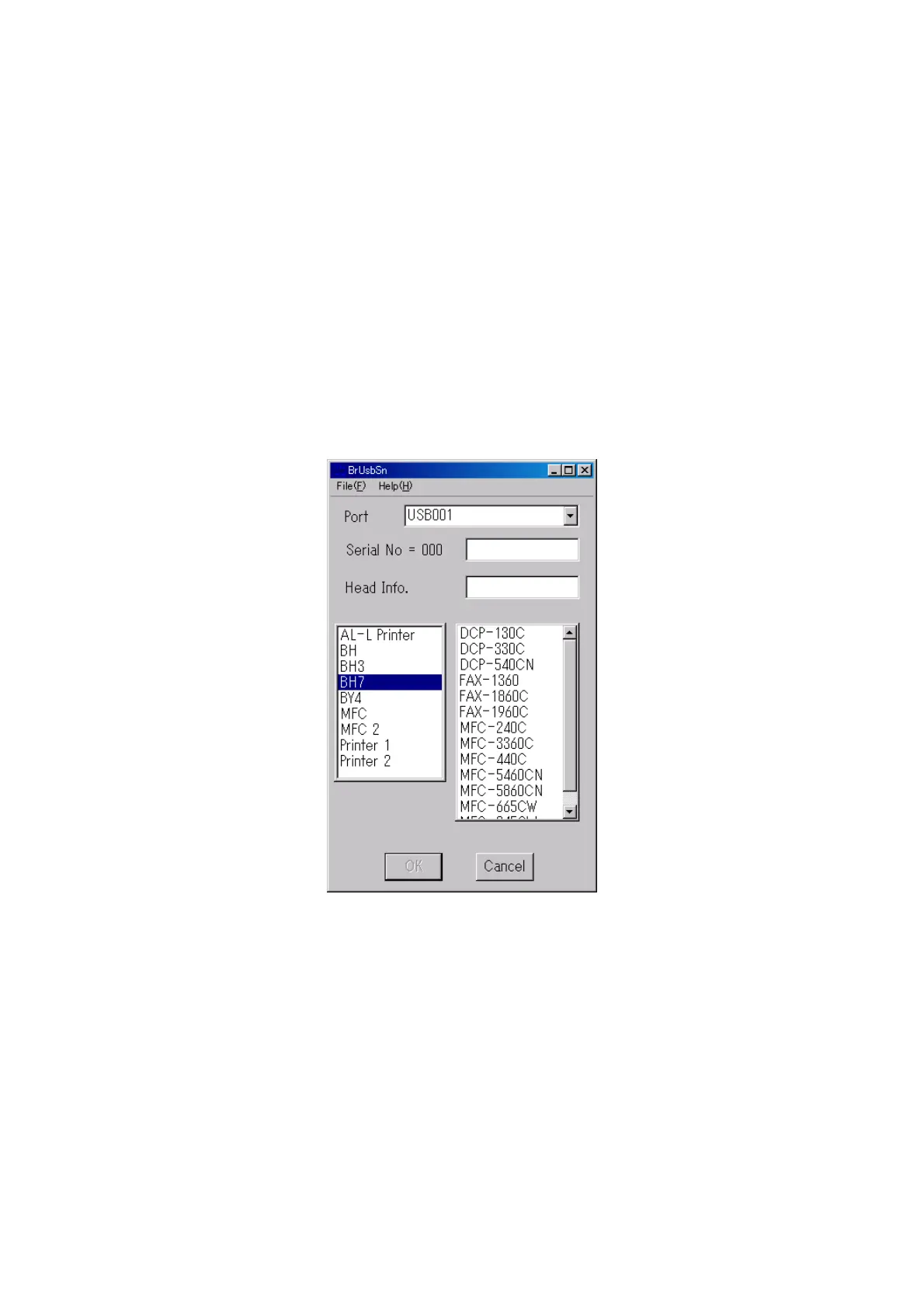
(3) On your PC, run the ID/head property utility (brusbsn.exe) in the folder created in Section 7.1.1.
The following window appears.
(4) On the model menu, click BH7.



 To Next Page