9-15 Confidential
9.4.6 Operational Check of LCD (Function code 12)
Function
This function allows you to check whether the LCD on the control panel works normally.
Operating Procedure
Checking the display state of the LCD:
(1) Enter 1 and 2 in the initial stage of the
maintenance mode, using the
/ and
OK keys.
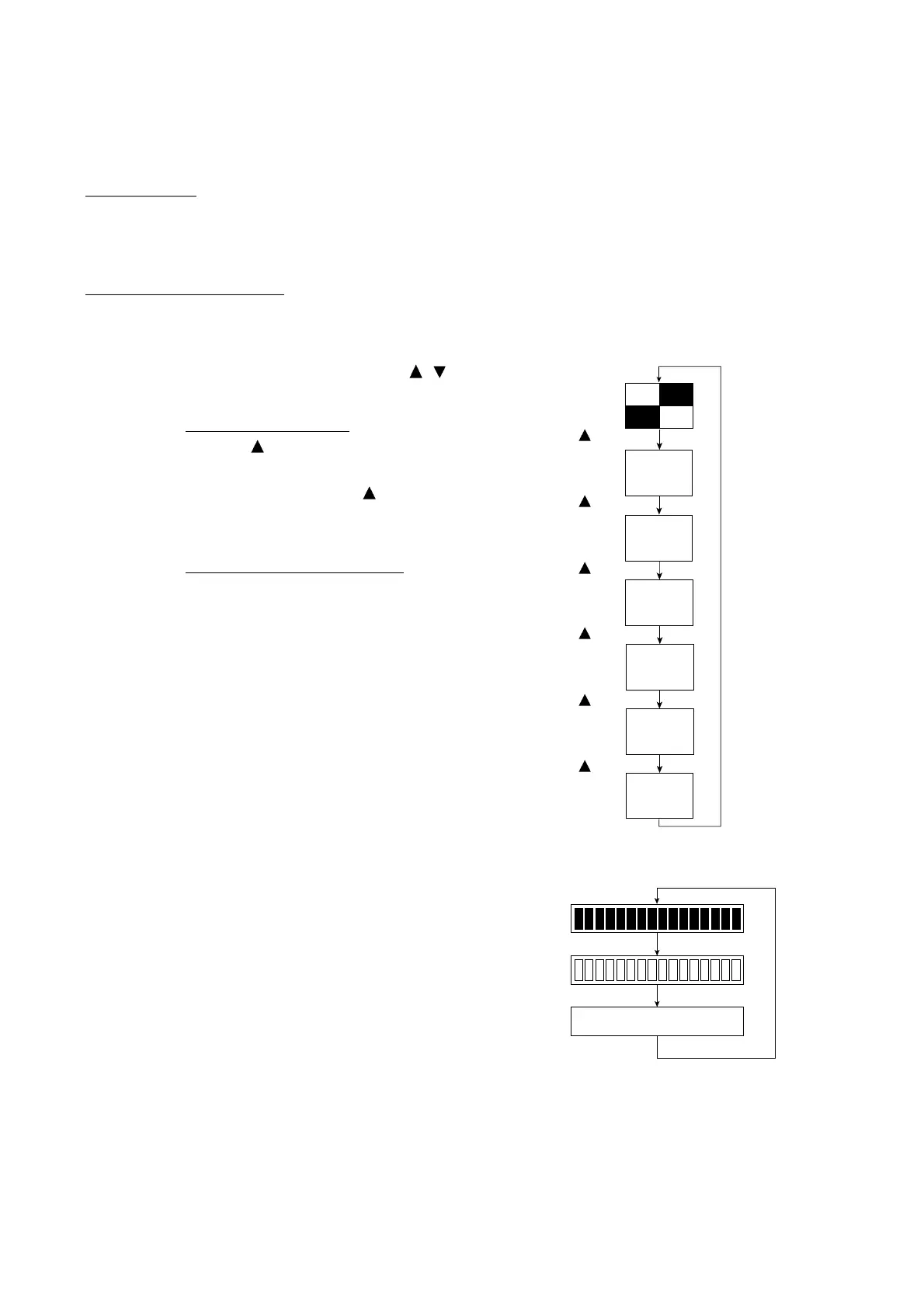
(2) Models with color LCD
Press the
key.
The LCD shows the screen given at right.
Each time you press the
key, the LCD
cycles through the displays as shown at
right.
Models with monochrome LCD
Press the Black Start key.
The LCD shows the screen given at right.
Each time you press Black Start key, the
LCD cycles through the displays as shown
at right.
(3) Press the Stop/Exit key in any process of
the above display cycle. The machine
returns to the initial stage of the
maintenance mode.
For models with color LCD
(blue)
(black)
(red)
(gray)
(green)
(white)
For models with monochrome LCD
Black Start key
Black Start key
Black Start key
key
key
key
key
key
key



 To Next Page